
Introduction
The Xbox Series X, a powerhouse in the gaming world, promises breathtaking graphics and seamless gaming experiences. However, like any advanced piece of technology, it can encounter issues, especially with its cooling system. A malfunctioning fan is one common problem that can disrupt your gaming sessions. Knowing how to deal with this issue can save your console from further damage and ensure a smooth gaming experience. In this guide, we’ll explore why an Xbox Series X fan might stop working and what practical steps you can take to address this problem effectively.
Understanding the Importance of the Xbox Series X Fan
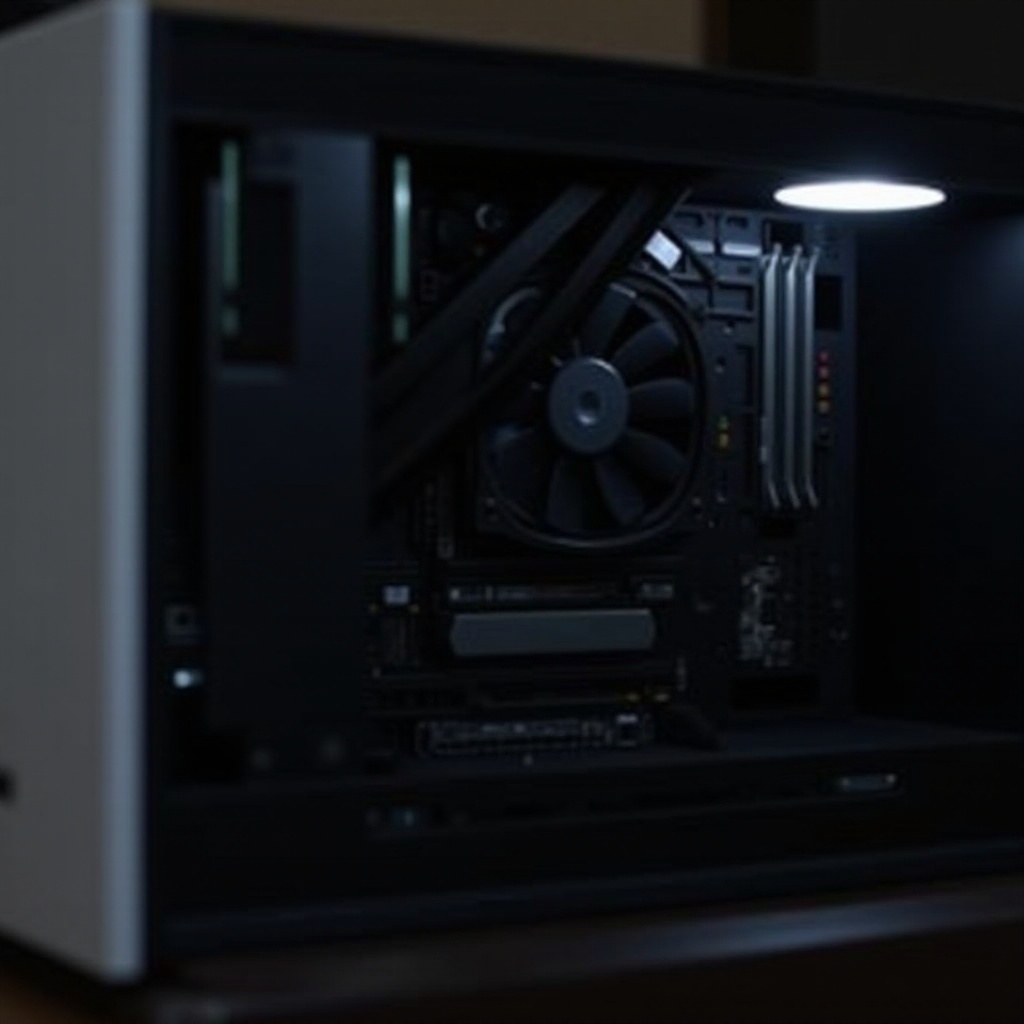
The fan plays a critical role in the Xbox Series X by keeping it at a consistent operating temperature. This fan prevents overheating by effectively dissipating heat produced during intense gaming sessions. A functional fan not only safeguards the internal hardware from damage but also maintains performance levels, ensuring your console runs quietly and efficiently. Without a working fan, your console becomes vulnerable to overheating, which can cause crashes, freezes, or permanent damage. By understanding the fan’s role, you’ll be better prepared to prevent and respond to issues.
Common Causes of Fan Issues in Xbox Series X
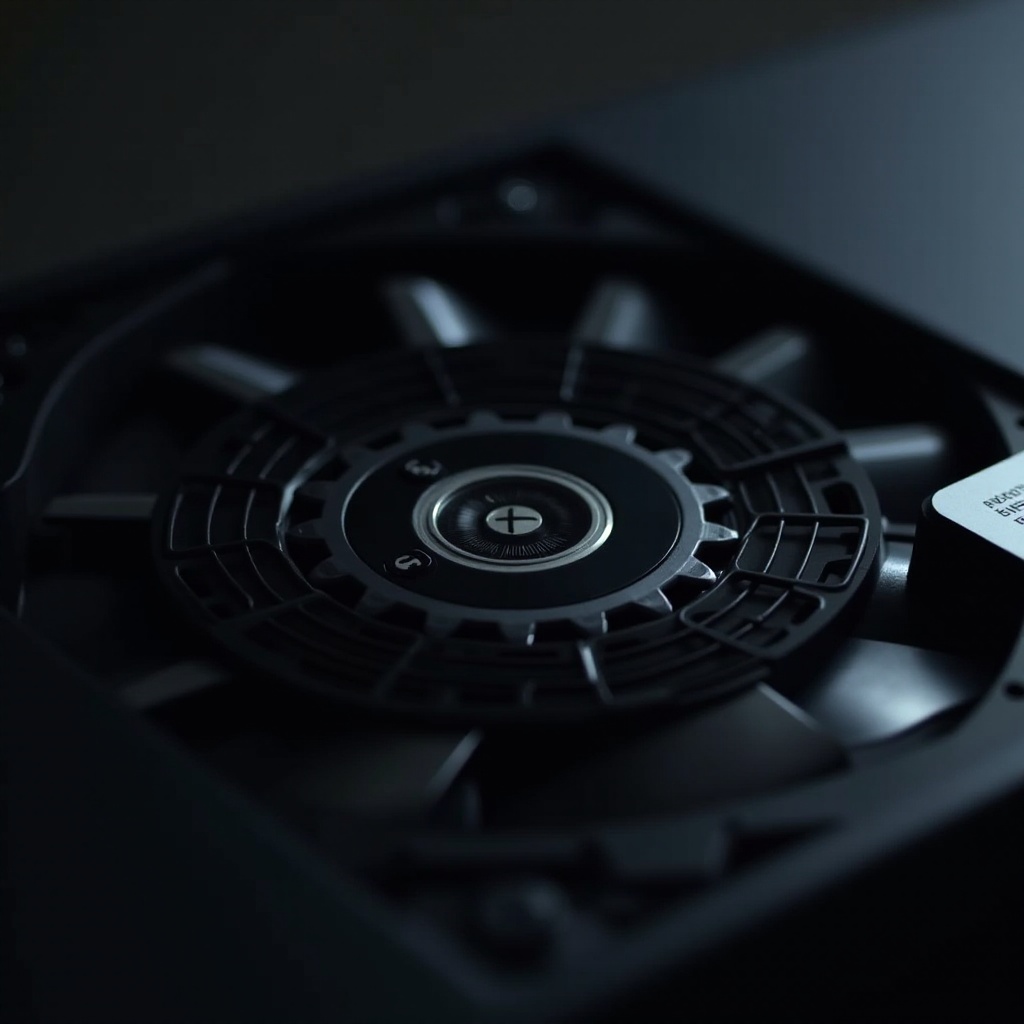
Diagnosing why your Xbox Series X fan isn’t working is a crucial step in resolving the problem. Here are some typical reasons for fan failure:
-
Dust and Debris Accumulation: Dust can build up over time, clogging the fan and preventing it from cooling the console effectively.
-
Software Glitches or Updates: Certain software updates might unintentionally impact fan operation, or glitches might obstruct its function.
-
Hardware Defects: Factory defects or component wear and tear can lead to fan failure. Older components may struggle to perform despite regular use and maintenance.
These causes illustrate the importance of maintaining both hardware and software aspects of your console. Regular checks can help maintain its health, preventing potential issues from escalating.
Troubleshooting Your Xbox Series X Fan
If the fan isn’t functioning properly, there are several troubleshooting steps you can take before considering professional repairs:
- Basic Checks and Cleaning:
- Power off and unplug your console.
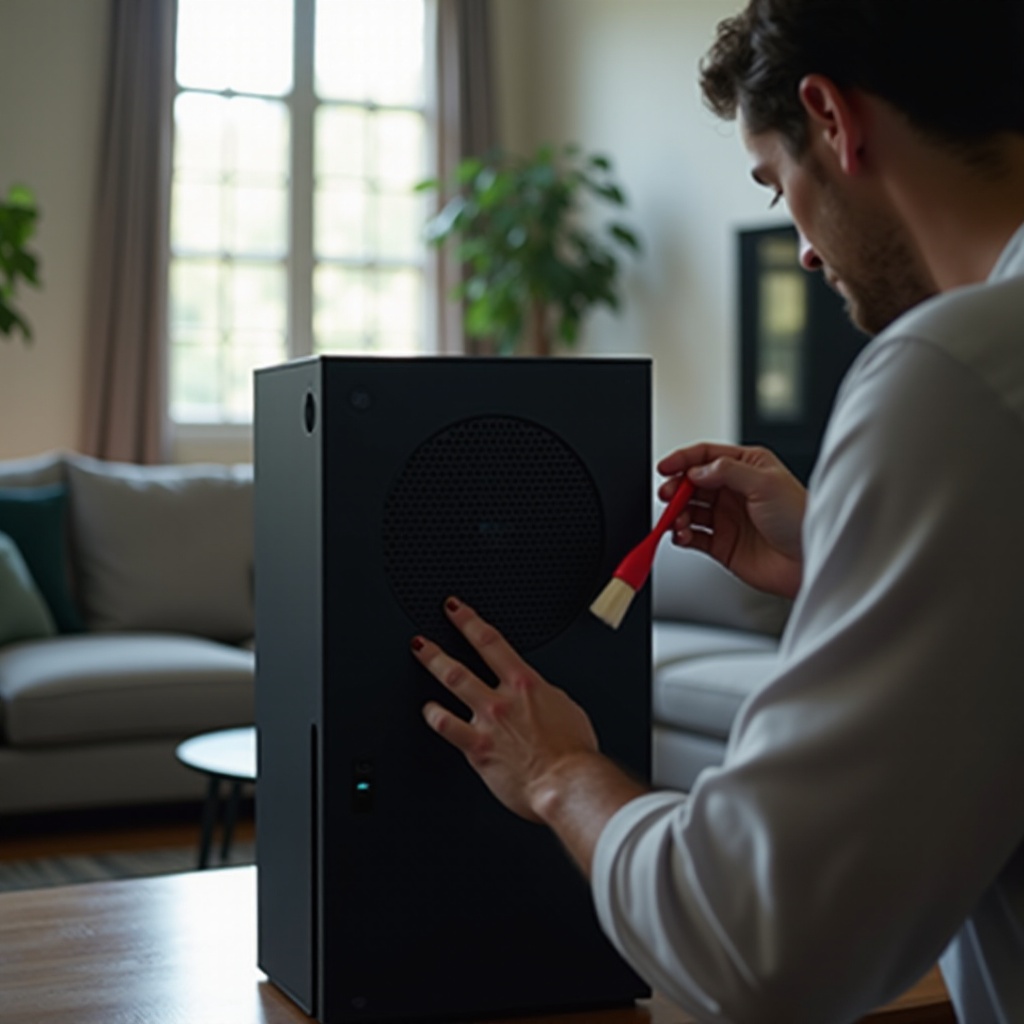
- Use a compressed air can to gently clean dust from the vent and fan area.
-
Ensure the console is placed in a ventilated area to prevent heat buildup.
-
System Software Updates:
- Verify that your Xbox Series X is running the latest software updates. If updates are available, install them to fix potential bugs affecting the fan.
-
Restart the console post-update to ensure changes take effect.
-
Evaluating Environmental Factors:
- Avoid positioning the console in confined spaces where airflow is limited.
- Keep it away from direct sunlight or heat sources.
- Maintain a well-ventilated room to facilitate optimal cooling.
Addressing these factors can often resolve fan functionality issues, enhancing the longevity and performance of your Xbox Series X.
Advanced Fixes and When to Seek Professional Help
If standard troubleshooting does not resolve the fan issue, further steps may be necessary:
- Thermal Paste Replacement:
-
Over time, thermal paste can dry, reducing heat transfer efficiency. Replacing thermal paste can enhance the cooling effectiveness of the console’s CPU and GPU.
-
Professional Repair Services:
-
Seek out professional repair services if fan problems persist. A certified technician can diagnose and repair hardware issues that may not be apparent.
-
Warranty Considerations:
- If your console is under warranty, consider contacting Microsoft support for assistance. Repair or replacement options may be available without additional cost under warranty conditions.
These advanced steps are recommended if basic troubleshooting fails, as they require handling the internal hardware, which could void warranties if improperly done.
Preventative Maintenance Tips for Your Xbox Series X
To prevent fan issues from recurring, adopt these maintenance practices:
- Clean the console regularly to prevent dust buildup using compressed air.
- Use high-quality surge protectors to shield the console from power surges.
- Ensure the console is positioned in an open space to promote efficient airflow and cooling.
Consistent maintenance will keep your Xbox Series X performing optimally, reducing the risk of fan-related issues over its lifespan.
Conclusion
Effectively managing your Xbox Series X fan ensures that your console remains in excellent working condition, safeguarding it from overheating and maintaining performance. Address fan malfunctions proactively to avoid more serious consequences that could affect your gaming experience. Through a combination of basic troubleshooting, preventative maintenance, and professional repairs when necessary, you can extend the console’s lifespan and enjoy uninterrupted gaming sessions.
Frequently Asked Questions
How do I know if my Xbox Series X fan is working properly?
Listen for a consistent, low-level noise while your console is operating. If the console becomes excessively hot to touch, it may indicate a fan issue.
Can I replace the Xbox Series X fan myself?
Replacing the fan involves opening the console, which can void warranties if done incorrectly. It is best to consult a professional or Microsoft support.
What are the symptoms of an overheating Xbox Series X?
Symptoms include unexpected shutdowns, hot-to-touch surfaces, degraded performance, or loud fan noises. Address these promptly to avoid damage.