
Introduction
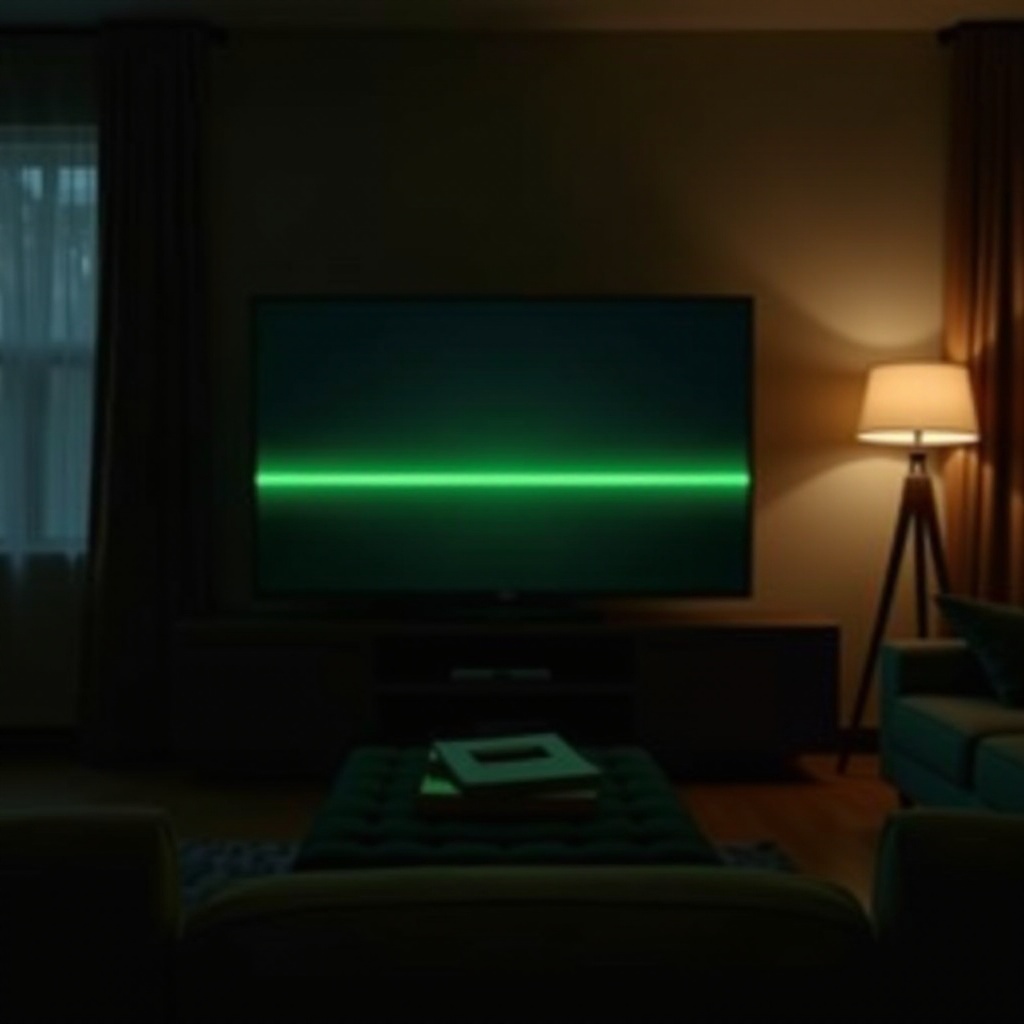
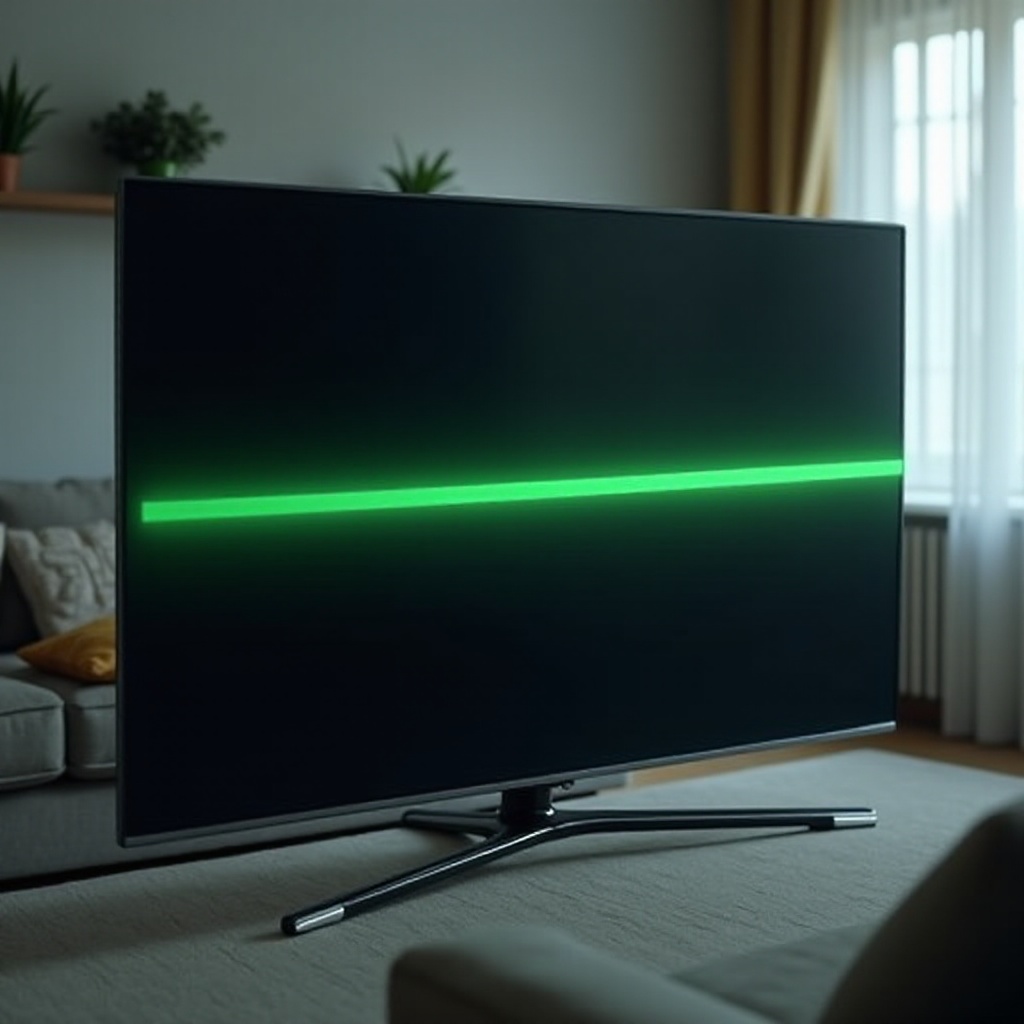
The sight of a green line running across your Samsung TV screen is frustrating, interrupting your immersive viewing experience. This issue is common across various Samsung models and is triggered by different factors, such as manufacturing defects, connectivity problems, and outdated firmware. Tackling this problem involves understanding its causes, applying step-by-step troubleshooting methods, and implementing preventive measures. This article offers a detailed guide to effectively addressing the green line issue on Samsung TVs.
What Causes the Green Line on Samsung TVs?
Identifying the root cause of the green line is essential for effective troubleshooting. Here are the primary culprits:
-
Manufacturing Defects: Issues that arise from the factory can lead to pixel malfunctions, resulting in green lines.
-
Connection Issues: Disrupted signals due to loose HDMI cables are a frequent cause of screen problems.
-
Firmware Glitches: Outdated firmware might cause display errors, including persistent green lines.
Understanding these potential causes will lay the groundwork for tackling the problem effectively.
Troubleshooting Steps to Fix the Green Line
With an understanding of potential causation, you can now employ targeted troubleshooting strategies:
-
Check Physical Connections: Ensure all HDMI and power cables are securely connected, as loose connections can cause display issues.
-
Update Your TV Firmware: Access your TV’s settings to check for any available firmware updates and install them to address any glitches.
-
Adjust Display Settings: Examine your TV’s resolution and picture mode settings. Correctly configured display settings can solve the green line problem.
Having followed these steps, if the issue still exists, further advanced solutions might be needed.
Advanced Solutions for Persistent Green Lines
Should the green line remain after basic troubleshooting, consider the following solutions:
-
Factory Reset Procedures: A factory reset can rectify stubborn software errors, restoring your TV to its original state, but ensure to back up data beforehand.
-
Contacting Samsung Support: Samsung Support provides additional guidance and might suggest professional repair services if necessary.
Implementing these advanced solutions can offer the necessary resolution for persistent screen issues.
Preventive Measures for Future Screen Issues
Preventing these issues before they occur is as important as troubleshooting them. Here are critical preventive measures:
-
Regular Maintenance Tips: Keep your TV clean by wiping the screen and vents with a soft cloth to avoid dust accumulation.
-
Recommended Settings for Optimal Viewing: Use balanced contrast and brightness settings to extend the longevity of your TV’s screen.
By following these maintenance tips, you can greatly reduce the likelihood of a green line or other screen issues appearing again.
Exploring Professional Repair Options
If your efforts don’t fix the issue, you may need to explore professional repair. Consider these aspects:
-
Cost vs. Benefits: Weigh the repair cost against the value of your TV. Sometimes purchasing a new TV may be more cost-effective.
-
Considerations for Buying a New TV: Explore current Samsung models to find one with enhanced durability and warranty.
Making informed decisions about repair or replacement ensures you get the best value for your investment in the long run.
Conclusion
A green line on your Samsung TV isn’t merely a visual inconvenience—it signals deeper issues that need addressing. By understanding possible causes and following structured troubleshooting and preventive measures, you can ensure your TV remains in optimal condition. Whether choosing home solutions or professional repair, taking prompt action is paramount.
Frequently Asked Questions
What should I do if a green line appears on my Samsung TV?
Start by checking HDMI and power connections, update the firmware, and adjust display settings. If unresolved, consider a factory reset or contact Samsung Support.
Can a firmware update fix the green line issue?
Yes, updating the firmware can address software glitches that may cause display issues like green lines. Regular updates help maintain optimal performance.
Is it more cost-effective to repair or replace my Samsung TV with a green line?
Evaluate the repair costs versus the TV’s value. In some scenarios, investing in a new TV with modern features and warranty can be more advantageous.