
Introduction
The PlayStation 5 is a powerhouse in the world of gaming consoles, delivering breathtaking graphics and immersive gaming experiences. However, with such impressive abilities comes the potential challenge of overheating, which can affect both your gaming enjoyment and the console’s durability. If you’ve noticed your PS5 becoming noticeably hot, you’re not alone. Many gamers encounter this issue, and understanding its underlying causes and effective solutions is key to maintaining optimal performance.
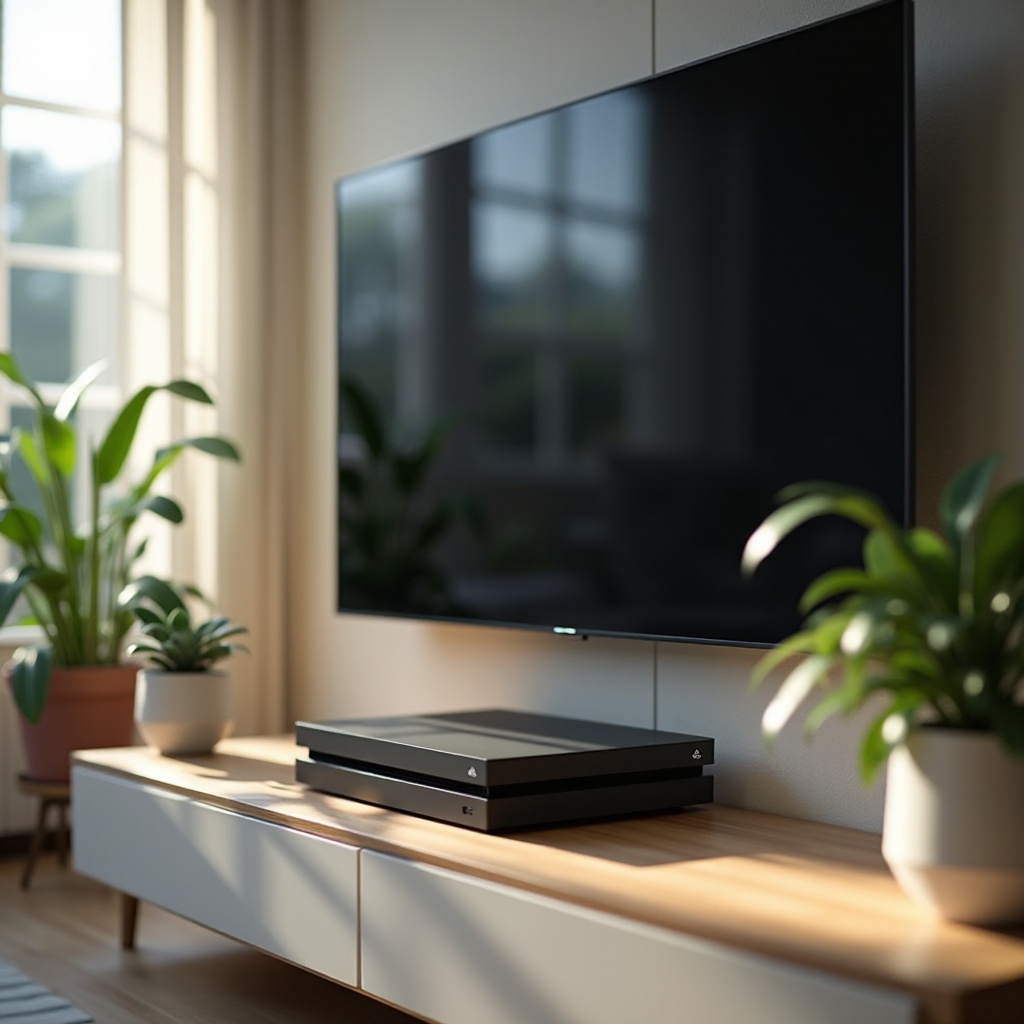
Understanding PS5 Overheating: Causes and Signs
Getting to the root of why your PS5 might overheat involves identifying several common culprits. These include:
- Inadequate Ventilation: Ensure your PS5 is positioned to allow proper airflow; confined spaces can trap heat.
- Dust Build-up: Clogged vents restrict airflow, increasing the risk of overheating.
- Lengthy Gaming Sessions: Prolonged play without breaks can generate excessive heat.
- Room Conditions: Hot or poorly ventilated rooms exacerbate heating issues.
Recognizing these factors is vital for preemptive action. Be on the lookout for symptoms like:
- Loud fan noises indicating the system’s attempt to cool down.
- Unexpected shutdowns or restarts.
- Deteriorating performance, such as frame rate drops.
By understanding these signs, you can implement measures to prevent further damage and ensure continued gaming enjoyment.
Consequences of PS5 Overheating and Why It Matters
Addressing overheating is crucial, as neglecting it can lead to several negative outcomes:
- Performance Reduction: To prevent damage, the console may reduce processing power, impacting game smoothness.
- Hardware Damage: Prolonged exposure to high temperatures might result in component failure.
- Reduced Lifespan: Frequent overheating stresses the hardware, which can shorten the PS5’s operational life.
Knowing these consequences underscores the importance of maintaining an optimal temperature for your console to protect your investment and gaming experience.
Optimal Setup: Preventing PS5 Overheating
Preventive measures start with correctly setting up your console. Consider these guidelines:
- Ensure Sufficient Space: Your PS5 should have necessary space around it to support proper cooling.
- Position Smartly: Whether placed vertically or horizontally, the console’s vents must remain unobstructed.
- Choose the Right Environment: Avoid placing the console in areas exposed to direct sunlight or near heat-emitting devices like radiators.
When you optimize your console’s setup, you reduce the risk of overheating, keeping everything running smoothly.

Maintenance Tips to Keep Your PS5 Cool
Consistent maintenance is paramount to preventing heat issues. Effective steps include:
- Regular Cleaning: Dust your console and clean vents regularly to prevent dust accumulation.
- Invest in Cooling Accessories: Cooling stands or dust filters can enhance airflow and reduce dust intake.
Implementing these maintenance practices helps sustain optimal performance and prolongs the life of your PS5.
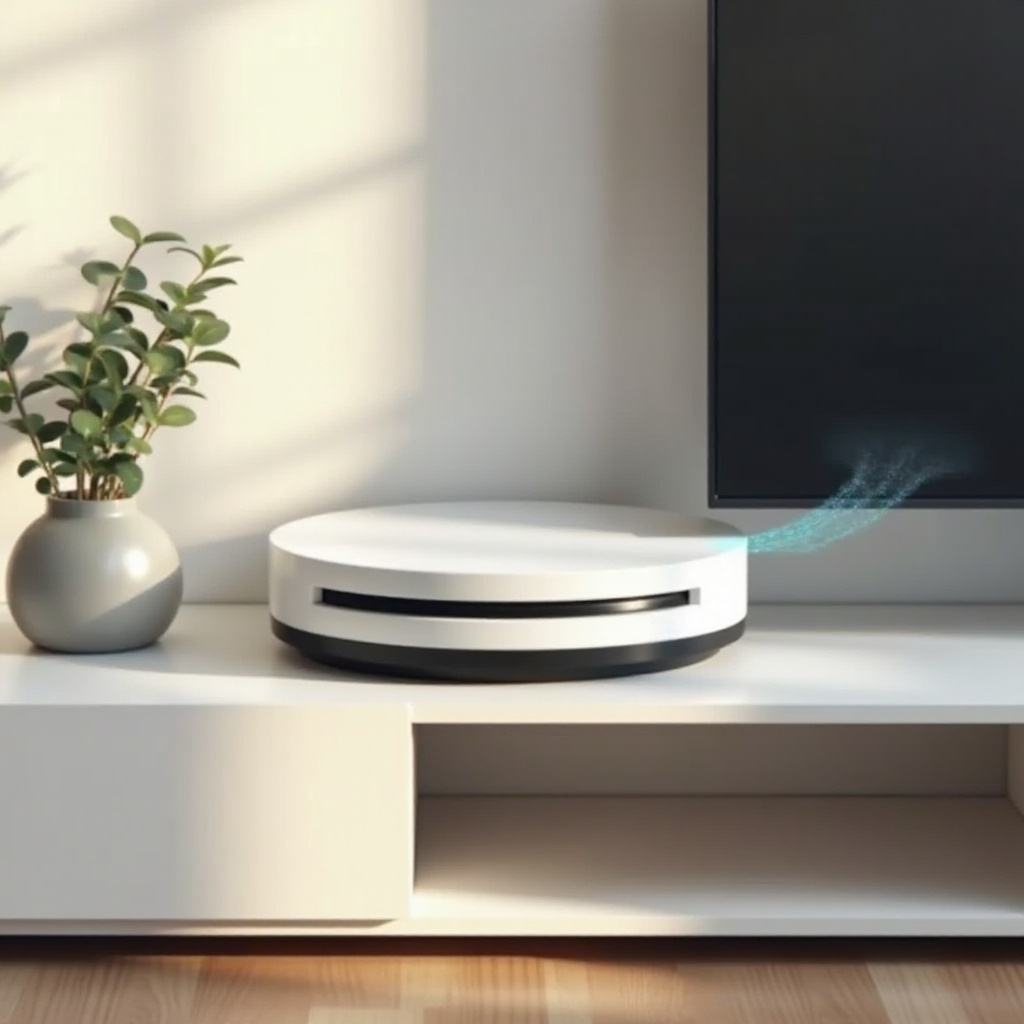
Recognizing and Solving Persistent Overheating Issues
If overheating issues persist despite your best efforts, it might be time for more advanced solutions:
- Software Updates: Keeping your console’s software current ensures you have the latest cooling optimizations.
- Manage System Load: Close background applications to allocate more resources for cooling.
- Professional Assistance: If the problem persists, consulting a professional can unveil hardware issues beyond basic maintenance.
These strategies further secure your console’s performance, ensuring it stays cool even during intensive gaming marathons.
Community Insights: Preventative Advice from Experienced Gamers
The gaming community can be an excellent resource for unique solutions to common problems. Here are some highly recommended tips:
- Community Suggestions:
- Elevate your PS5 slightly to improve ventilation.
-
Use a cooling pad typically designed for laptops to provide additional cooling.
-
Proven Gaming Setups:
- Experienced players often use dedicated shelves or stands that increase airflow, preventing heat build-up.
Taking advantage of these shared experiences can enhance your console’s performance and longevity.
Conclusion
By understanding the root causes of PS5 overheating and implementing strategic preventive measures, you can ensure your console operates efficiently and provides an uninterrupted gaming experience. Consistent maintenance, alongside a well-thought-out setup, can protect your investment and allow for long-lasting enjoyment. Remember, a well-maintained PS5 not only operates better but also enhances your overall gaming pleasure.
Frequently Asked Questions
Is it normal for my PS5 to get warm during gameplay?
Yes, it’s normal for the PS5 to get warm during gameplay as it uses powerful components. If it gets too hot, ensure good ventilation and check for dust accumulation.
How often should I clean my PS5 to prevent overheating?
Regularly clean your PS5’s vents and exterior monthly to avoid dust accumulation and ensure proper airflow.
Can warranty cover my PS5 if it gets damaged by overheating?
Warranty coverage varies, but some may cover damages from overheating if proper maintenance and usage are shown. Check the specific terms with Sony or your retailer.