
Introduction
Setting up a Wii controller is essential for any Nintendo enthusiast eager for immersive gameplay. A well-configured controller can enhance your gaming experience by ensuring responsive and accurate controls. This guide will lead you through the setup process, from unboxing to customization, ensuring you’re fully equipped for your gaming adventures.
Unboxing and Preparing Your Wii Controller
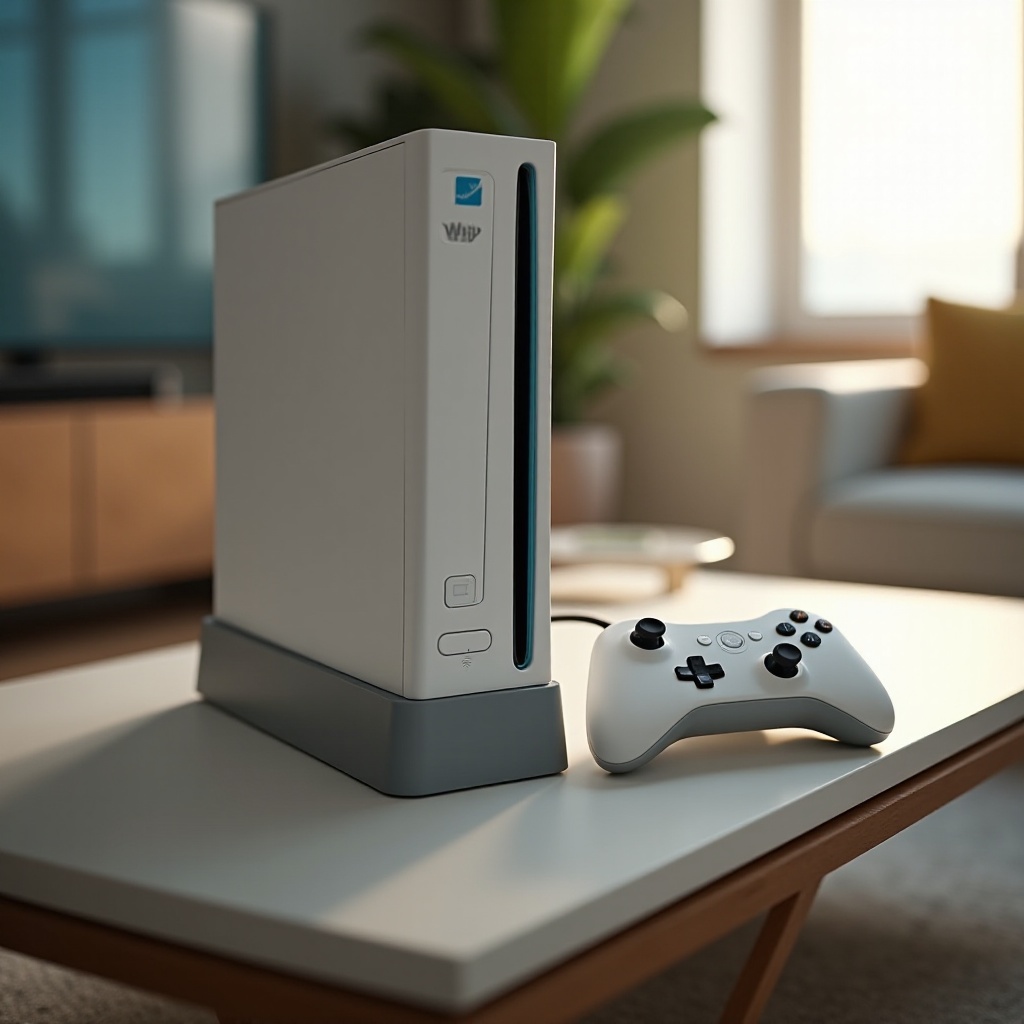
Begin your setup journey by carefully unboxing your Wii controller. Ensure that all components, such as the controller itself and any additional accessories, are accounted for. Fresh batteries are vital, so have those ready to power up your device. Proper preparation at this stage makes the subsequent steps smoother and more efficient.
Types of Wii Controllers
Identifying the type of Wii controller you have is key to optimizing its use, as each variant offers unique features.
Standard Wii Remote
This is the basic remote featuring essential motion-sensing capabilities suitable for most games.
Wii MotionPlus
Enhanced for a more accurate gameplay experience, the Wii MotionPlus is perfect for games requiring precise movements.
Classic Controller
Ideal for a more traditional gaming experience, the Classic Controller connects directly to the Wii Remote.
By identifying your controller type, you can better understand the functionalities and features available, allowing for personalized configurations.
Step-by-Step Guide to Synchronizing Your Wii Remote
To enjoy a seamless gaming experience, syncing your Wii Remote with the console is crucial. Follow this straightforward process to ensure a perfect connection:
- Open the battery compartment on your Wii Remote.
- Insert fresh batteries and close the compartment.
- Turn on your Wii console by pressing the power button.
- Open the SD Card slot cover on the console’s front.
- Press and release the SYNC button near the SD Card slot.
- On your Wii Remote, press the red SYNC button inside the battery compartment.
If you encounter syncing issues, ensure your console and remote have sufficient battery power. Relocating to minimize interference is also advisable.
Troubleshooting Sync Issues
If synchronization fails, reassess battery levels and consider changing locations to reduce signal interference.
Resyncing After Use
Occasionally, remotes may require resyncing due to inactivity. Repeat the initial syncing process when this occurs.
Configuring Controller Settings
With a successful sync, customizing your Wii Remote’s settings will further enhance its utility. Start by accessing the Wii menu to initiate configuration:
Accessing the Wii Menu
Turn on your Wii and navigate to the main menu to make adjustments to your settings.
Adjusting Sensitivity Settings
Use the menu to calibrate pointer sensitivity for precise control over your in-game actions.
Personalizing Controller Preferences
Customize other preferences, such as rumble and speaker volume, to tailor the experience to your liking.
Adequate configuration ensures that the controller operates optimally, meeting the demands of different games and player preferences.
Testing the Wii Controller
Before diving into prolonged gaming sessions, conducting a thorough test of your controller’s setup is wise.
Navigating the Wii Menu
Utilize your newly synced remote to effortlessly browse through the Wii menu.
Starting a Game
Launch a game to verify that all buttons and features function properly.
Ensuring Responsiveness
Address any responsiveness issues by revisiting and adjusting the controller settings.
Testing confirms your controller’s readiness and prevents gameplay interruptions due to technical difficulties.
Maintenance and Care Tips
Regular maintenance of your Wii controller will prolong its lifespan and maintain its effectiveness.
Cleaning Your Controller
Periodically clean your controller with a soft, damp cloth to keep it free from dirt and grime.
Storage Suggestions
Store your controller in a dry environment, away from direct sunlight, to prevent damage.
Extending Battery Life
Remove the batteries during long periods of inactivity to prevent leakage or battery drain.
Proper care ensures your controller remains in peak condition, ready for your next gaming session.
Conclusion
Setting up a Wii controller involves a detailed process of unboxing, syncing, configuring, and testing. This comprehensive guide equips you with the knowledge needed for an uninterrupted and enjoyable gaming experience on your Nintendo Wii. With your controller expertly set up, you’re all set for countless hours of gaming fun.
Frequently Asked Questions
Why won’t my Wii Remote sync with the console?
Check for interference, make sure the power is on, and try replacing the batteries.
Can I use third-party controllers with my Wii?
Yes, third-party controllers can be used, but ensure they are compatible with your Wii system.
How do I fix a Wii Remote that isn’t responsive?
Check the batteries, resync your remote, and ensure the buttons are not stuck or need cleaning.