
Opening your Xbox One S might seem intimidating if you’re new to it, but with the right guidance and tools, it becomes manageable. Whether it’s for cleaning, maintenance, or upgrades, this guide ensures you’ll safely open your Xbox One S without causing any damage.
Introduction
Many find themselves needing to open an Xbox One S for several reasons. Dust accumulation can affect performance, parts may need replacement, or you might need to explore internal components for an upgrade. Handling the console with care is essential to avoid damage. In this guide, we will take you through a structured process, ensuring a hassle-free and safe experience.
Tools and Safety Precautions
The success of opening your Xbox One S relies heavily on having the correct tools and following safety precautions.
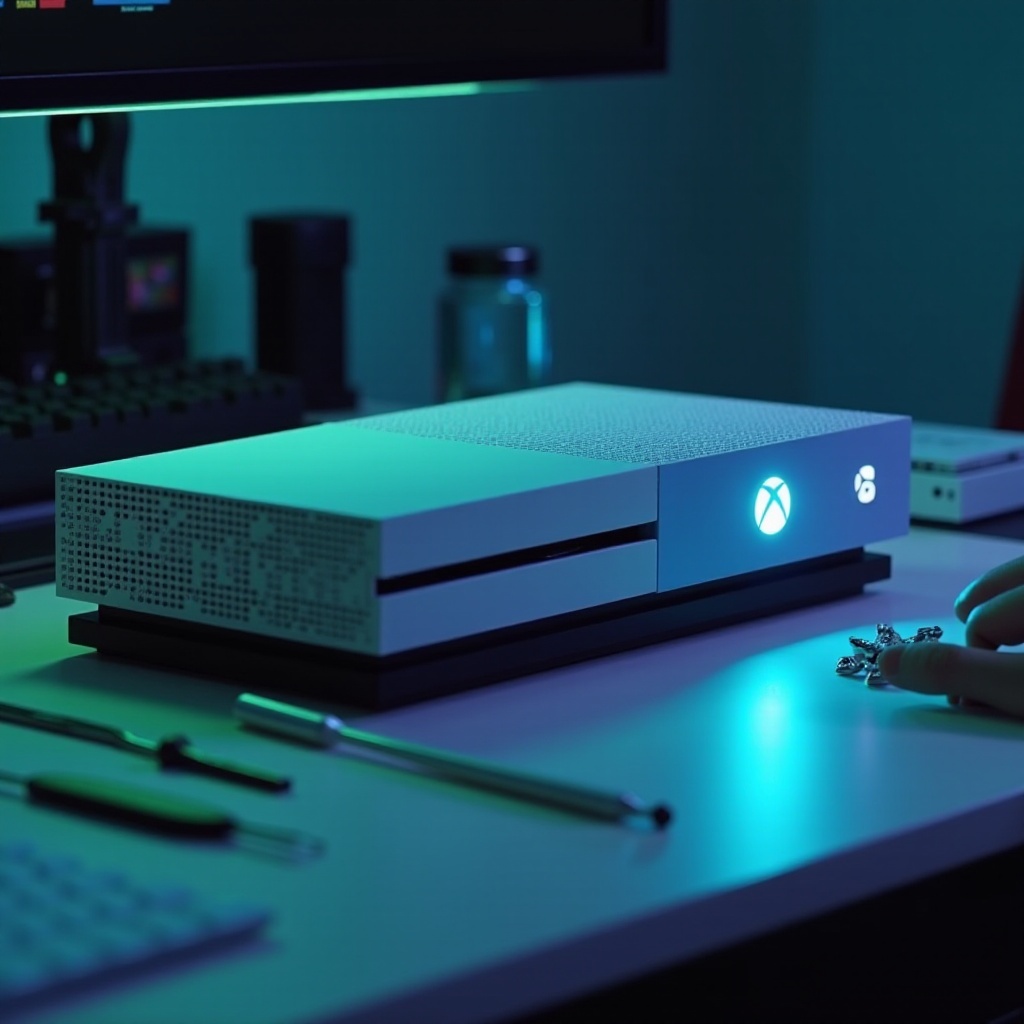
Tools You’ll Need:
– T8 and T10 Torx screwdrivers
– Plastic spudger
– Tweezers
– Anti-static wrist strap
Safety Measures:
– Unplug the console from electricity to prevent any electrical hazards.
– Use an anti-static wrist strap to prevent static electricity from damaging the components.
– Work in a tidy, dry area to keep the internal components free of dust and moisture.
These precautions ensure both your safety and that of the console while opening it.
Preparation Steps Before Opening
Proper preparation is vital for a smooth disassembly process. Here’s how to get your Xbox One S ready:
- Power Down the Console: Make sure the Xbox One S is completely turned off and all cables are disconnected.
- Set Up Your Workspace: Choose a clean, well-lit area. Use a mat or a cloth to prevent scratching the console.
With these preparations in place, you’re ready to begin the opening process confidently.
Step-by-Step Guide to Opening an Xbox One S
Now that you’re prepared, follow these steps to open your Xbox One S safely:
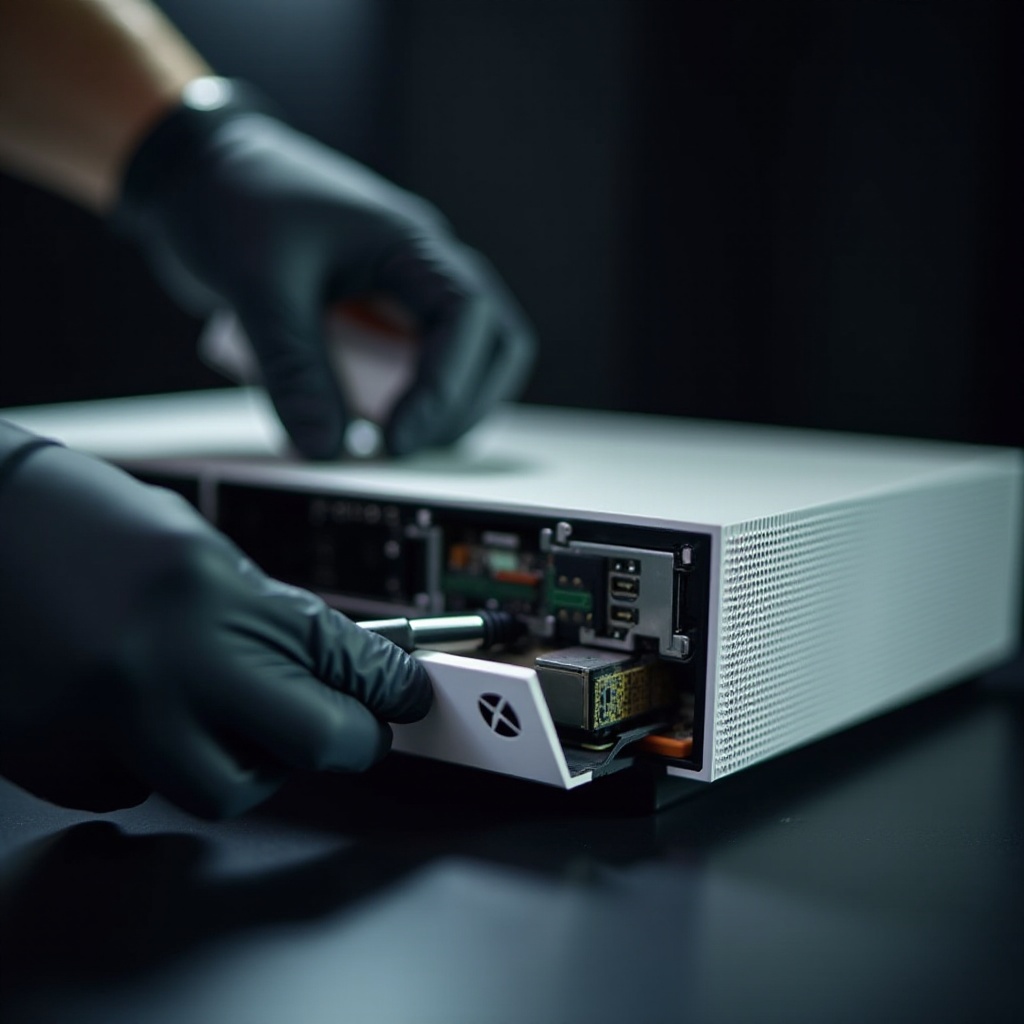
- Remove the Side Grills: Start by gently lifting the side grills with a plastic spudger.
- Unscrew the Torx Screws: Use T8 and T10 Torx screwdrivers to carefully remove all visible screws on the casing.
- Detach the Bottom Cover: Gently pry open the bottom cover using the spudger, taking care not to apply excessive force.
Following these steps will give you access to the internal components for further action.
Troubleshooting Common Opening Issues
Should you encounter any issues during the process, here are some solutions:
- Stuck Screws: If a screw is stuck, gently apply back-and-forth pressure to loosen it.
- Resistant Casing: If the casing doesn’t open easily, double-check all screws to ensure none are still in place.
- Difficulty Separating Parts: Use the spudger to gently pry until parts separate.
These troubleshooting tips help address common challenges during the opening process.
Exploring Internal Components
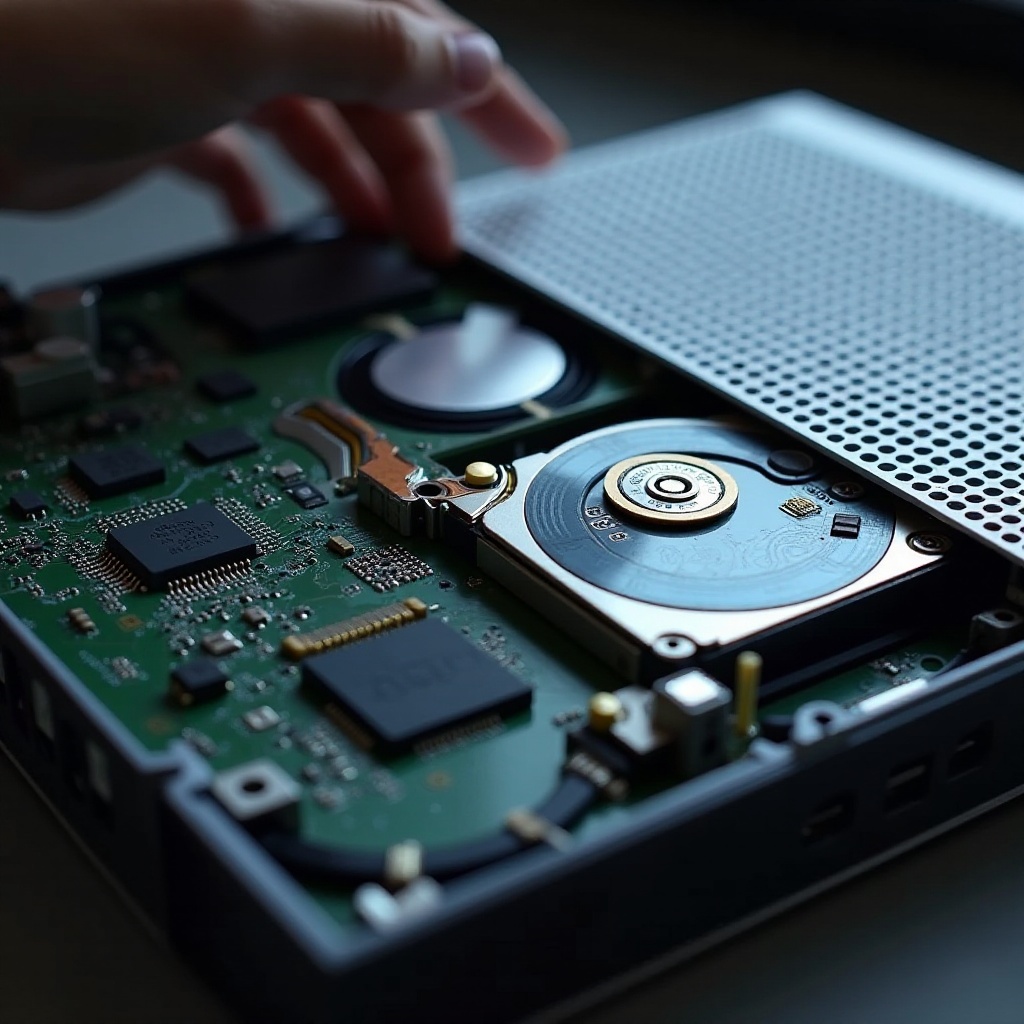
With the console open, take some time to familiarize yourself with its internal components.
- Examine the hard drive if considering a replacement.
- Check the fan for dust accumulation — a routine clean might enhance performance.
Understanding these components aids in efficient maintenance and potential upgrades.
Reassembling Your Xbox One S
Once your tasks inside the console are complete, follow these steps to reassemble it:
- Reattach the Bottom Cover: Align the bottom cover carefully and press it back into place.
- Replace the Screws: Use your Torx screwdrivers to secure the casing firmly.
- Snap the Side Grills Back: Gently press the side panels back into place.
Reassembly demands patience to ensure everything fits perfectly, preventing future issues.
Testing Functionality After Reassembly
After reassembling, verify that your Xbox One S functions correctly:
- Reconnect: Attach all cables and power up the console.
- Diagnose: Run a game or an app to ensure everything operates smoothly.
Testing confirms your work’s success and prepares your Xbox for continuous use.
Conclusion
Opening and reassembling your Xbox One S can be straightforward with the proper guidance. This comprehensive guide provides the steps and precautions necessary to ensure a safe and effective process, empowering you to perform maintenance or upgrades with confidence. Always handle components carefully and adhere to safety measures.
Frequently Asked Questions
How often should I open my Xbox One S for cleaning?
It’s recommended to clean the interior every six to twelve months, depending on dust levels in your environment.
What should I do if my Xbox One S doesn’t turn on after reassembly?
Check all connections and make sure screws aren’t over-tightened, which can cause short circuits.
Can opening my Xbox One S void the warranty?
Yes, opening your Xbox One S can void the warranty, so proceed only if it’s no longer under warranty or you’re confident in your skills.