
Disassembling your iPhone can save you repair costs and increase your device’s lifespan. This guide provides detailed instructions to safely disassemble your iPhone, ensuring you don’t damage the components and can reassemble them properly.
Introduction
Disassembling an iPhone requires precision and the right approach. This guide will navigate you through the process with clear steps. Whether you’re replacing a component or simply exploring, our instructions will help you avoid mishaps.
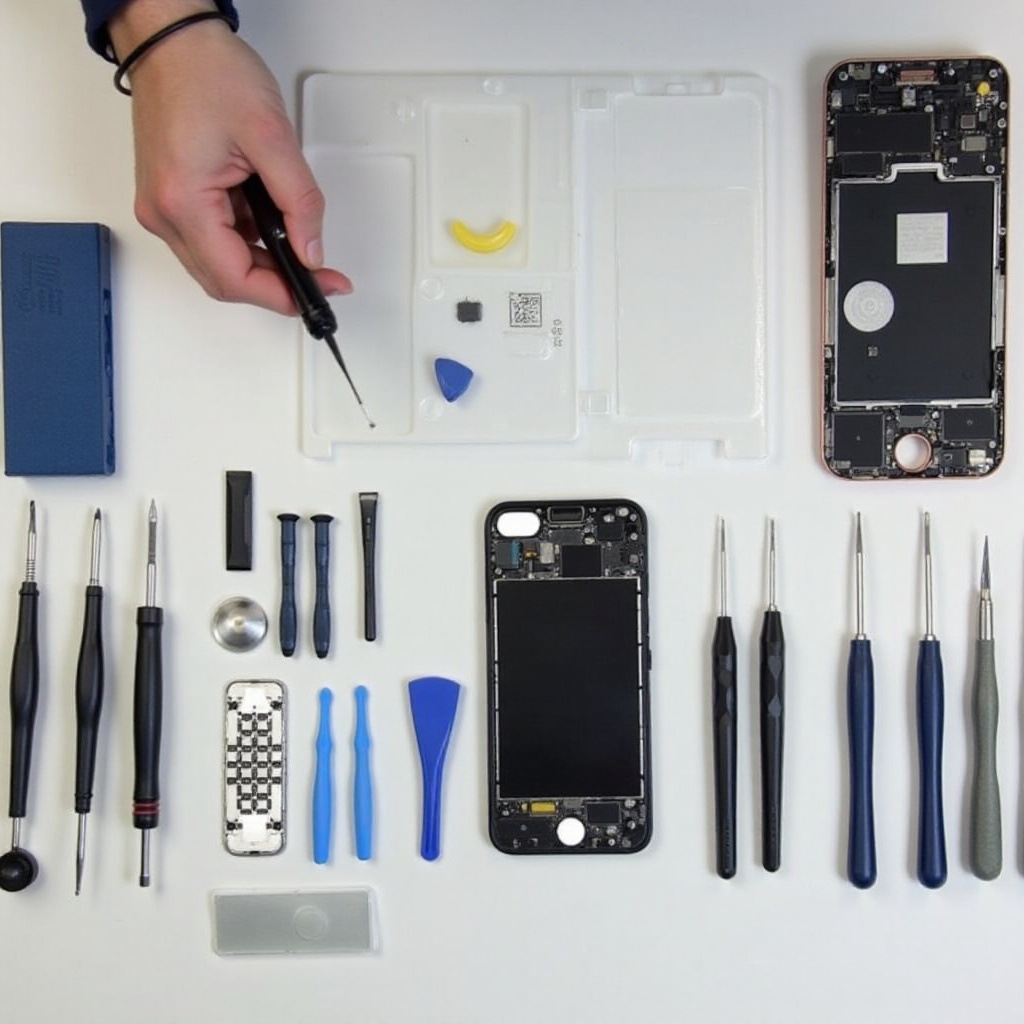
Essential Tools and Preparations
Prepare before you start to ensure a smooth disassembly. Gather the following tools and adhere to safety protocols for an organized and safe process.
- List of Required Tools:
- Pentalobe screwdriver
- Phillips screwdriver
- Tweezers
- Plastic opening tools
- Suction cup
-
Spudger
-
Pre-disassembly Safety Tips:
- Keep your workspace clean and well-illuminated.
-
Use an anti-static mat to prevent static-related damage.
-
Data Backup and Power Off Precautions:
- Backup data via iCloud or iTunes.
- Turn off the device completely to avoid electrical issues.
After preparing your tools and workspace, you are ready to move on to the process of opening your iPhone. The initial steps involve careful detachment of external components.
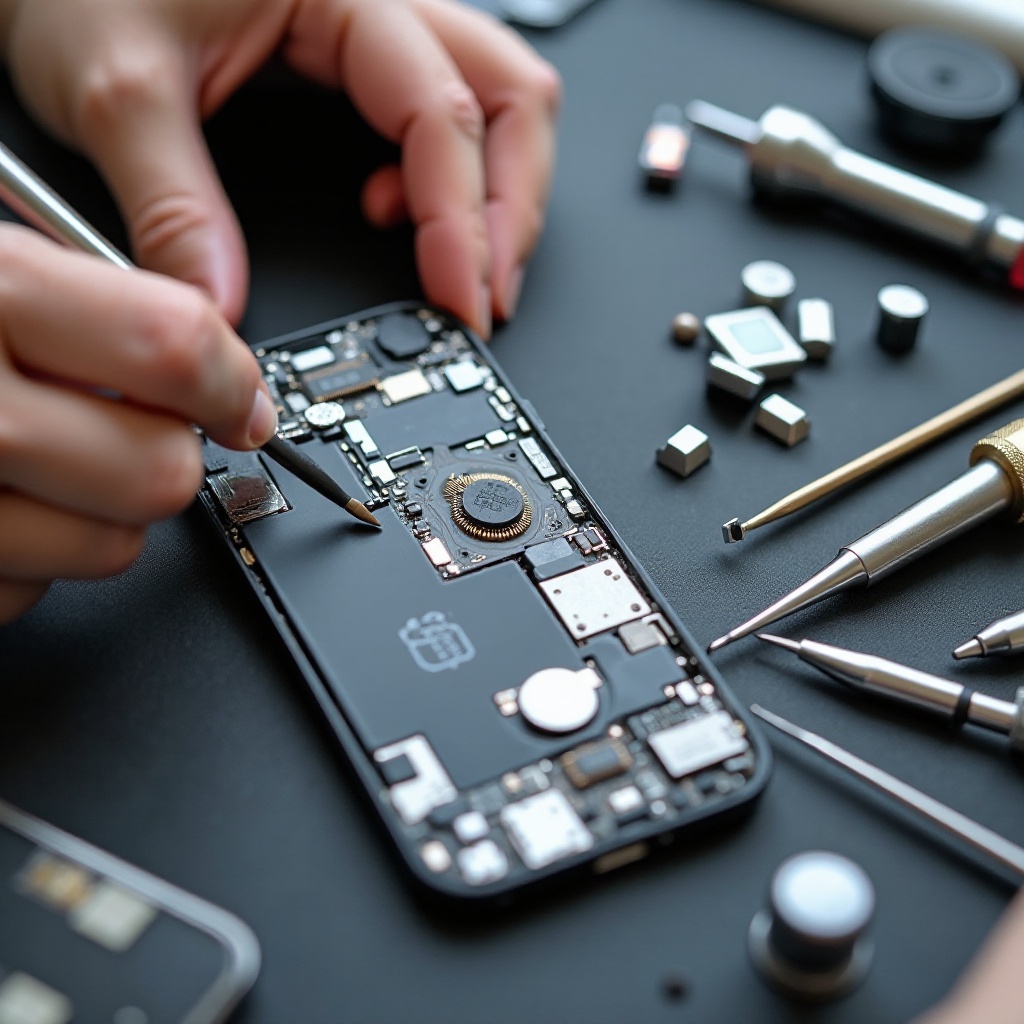
Step-by-Step iPhone Disassembly
Begin with the outer casing. Handle every screw and component carefully to maintain their integrity.
- Removing External Components:
- Remove the two pentalobe screws near the charging port.
-
Using the suction cup, gently lift the display for a small gap.
-
Opening the Device:
- Insert a plastic opening tool into the gap and gently separate the screen.
-
Lift the display, ensuring not to damage the connecting ribbons.
-
Safe Handling of Screws and Parts:
- Organize screws and small parts using a magnetic mat.
With the exterior removed, you can now proceed to explore the inside of your iPhone, addressing the more intricate components such as the battery and internal connectors.
Navigating the Internal Components
Inside your iPhone lies a world of delicate components that need gentle handling. Each element plays a vital role, and attention is key.
- Battery Removal Process:
- Locate and remove the battery connector’s bracket screws.
- Gently disconnect the battery cable using a spudger.
-
Carefully pry the battery out of its adhesive using a card.
-
Disconnecting Cables and Connectors:
- Use tweezers to detach display and sensor cables, applying minimal force.
-
Keep track of each cable’s placement for reassembly.
-
Tips for Handling Delicate Components:
- Avoid direct contact with sensitive parts to prevent static damage.
- Lay out disassembled parts in sequence for easy reassembly.
Following the internal component management, it is essential to address potential disassembly errors and their resolutions before moving on to reassembly.
Troubleshooting and Avoiding Common Mistakes
Mistakes can occur even with caution. Knowing how to troubleshoot them is invaluable.
- Common Disassembly Challenges:
- Stripped screws can complicate reassembly. Use the correct screwdriver sizes.
-
Misplacing components is easy. Keep a magnetic mat for organization.
-
Identifying and Handling Damaged Parts:
-
Examine parts for damage before reassembly. Seek help if repairs are needed.
-
Maintaining a Clean Workspace:
- Ensure a neat workspace to prevent losing parts or causing damage.
Now that challenges have been addressed, you’re ready to start putting your iPhone back together by reversing the disassembly steps.
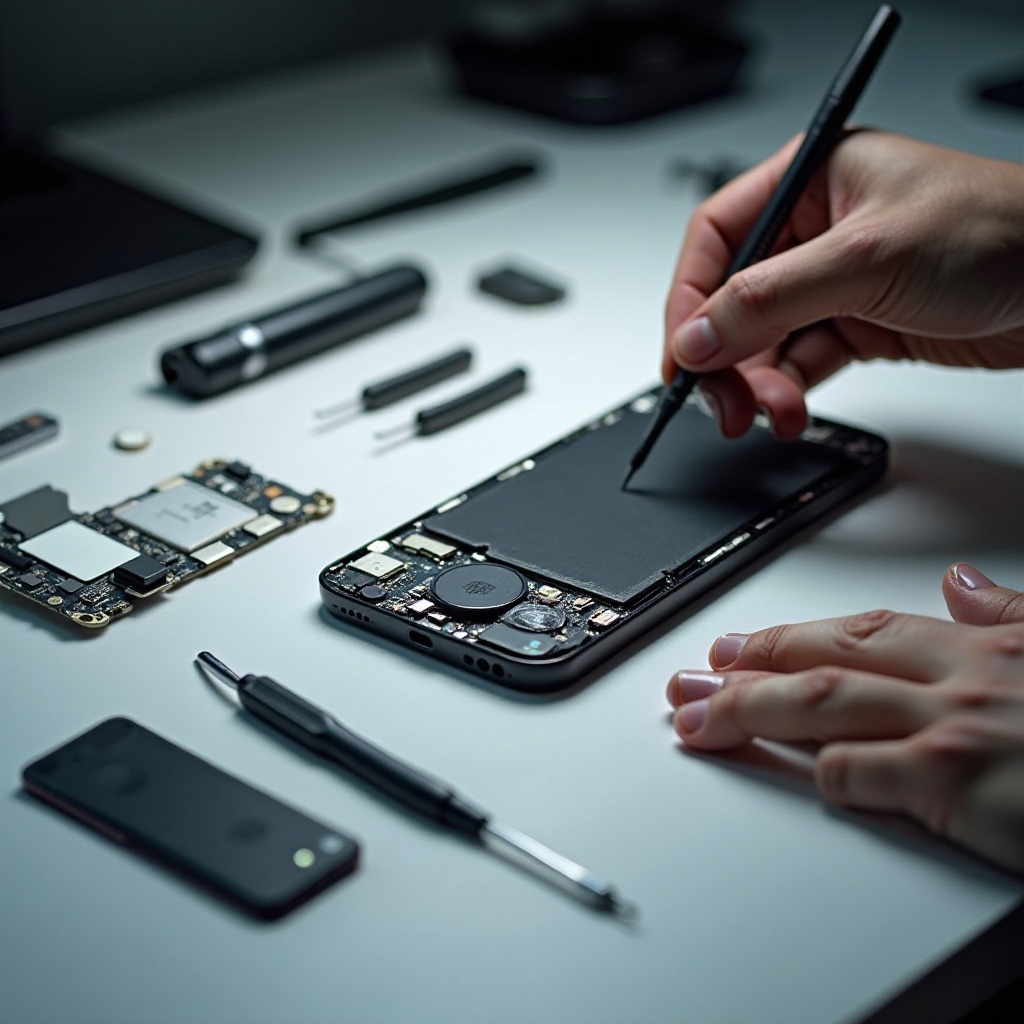
Reassembling Your iPhone
Reassemble your device carefully. Correct placement ensures the iPhone’s functionality.
- Important Steps for Reassembly:
- Reattach cables and connectors first before securing the display.
-
Ensure all screws and parts are returned to their original places.
-
Testing Your Device Post Reassembly:
-
Power on the iPhone to check the screen, buttons, and internal functionalities.
-
When to Seek Professional Help:
- If the device is not functioning, consult a professional.
In conclusion, equipped with the right knowledge, you can manage your iPhone’s internal health effectively and prolong its usage.
Conclusion
By mastering the art of iPhone disassembly and reassembly, you can confidently manage repairs and replacements. Remember, professional help is always an option if you’re unsure. Confidence grows with practice, leading to easier maintenance.
Frequently Asked Questions
How long does it take to disassemble an iPhone?
Disassembly typically takes 30-60 minutes, depending on your familiarity.
Can I use household tools for iPhone disassembly?
It’s not recommended. Specialized tools prevent damage.
What should I do if I damage a component during disassembly?
Carefully evaluate the damage. Minor issues might be self-repairable, but seek professional advice for serious damage.