
Introduction
Cleaning your PlayStation 5 is crucial to maintaining its performance and extending its life. Dust buildup can cause overheating, leading to decreased efficiency and possible damage. In this guide, we’ll cover everything from preparation to reassembly to ensure your PS5 stays in top condition.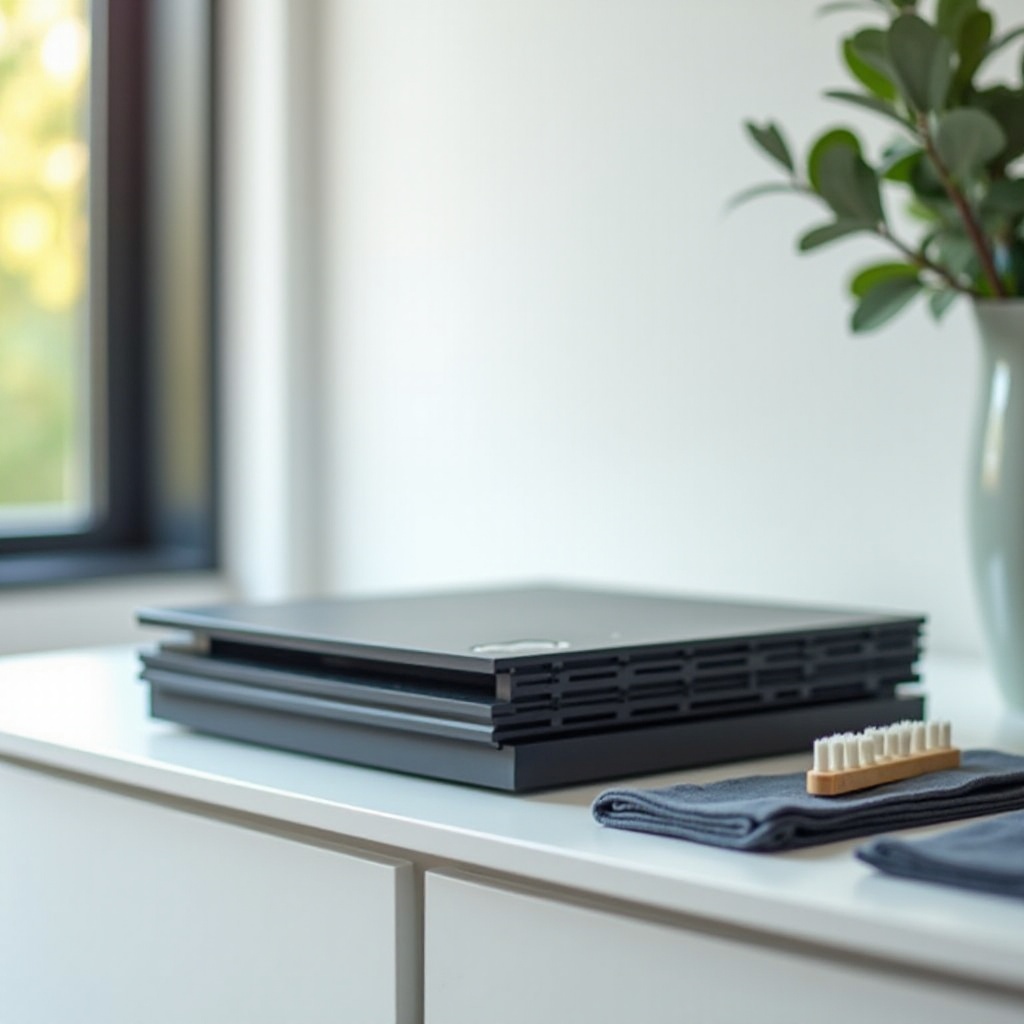
Preparing for the Cleaning Process
Before starting, gather the necessary tools. You’ll need a microfiber cloth, compressed air, a small brush, and optionally, a vacuum cleaner with a brush attachment. Safety is essential, so ensure your workspace is clean and static-free.
Gathering Necessary Tools and Materials
- Microfiber Cloth: Perfect for the PS5’s exterior without causing scratches.
- Compressed Air: For removing dust from tight spots.
- Small Brush: Useful for gentle dusting around vents and ports.
- Vacuum Cleaner (optional): Can assist in cleaning external areas.
Safety Precautions to Consider Before Starting
- Turn off your PS5 and unplug it completely.
2. Place the console on a stable, flat surface.
3. Avoid liquids directly on the console.
4. Ground yourself to prevent static damage.
With your console safely prepared, it’s time to focus on cleaning the exterior.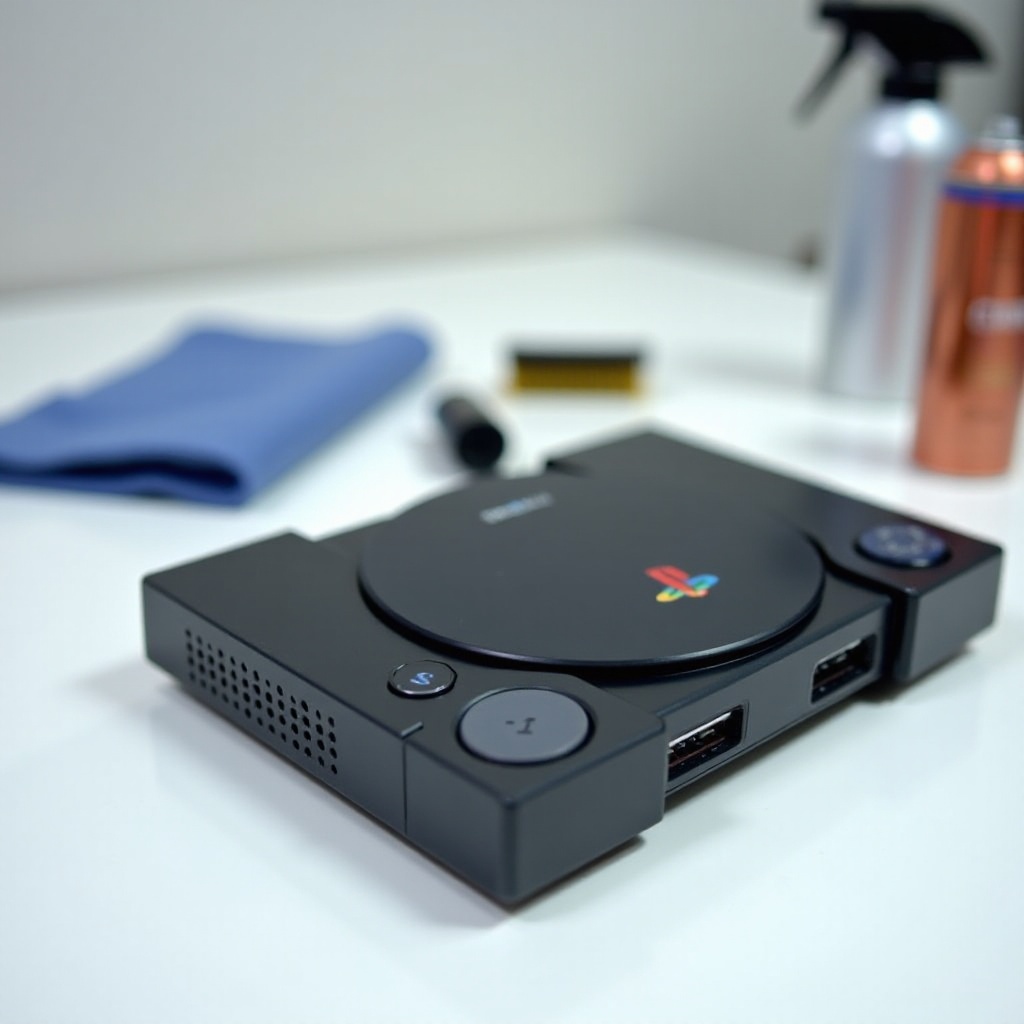
External Cleaning of the PlayStation 5
The visible parts of your PS5 can accumulate dust and dirt, affecting both aesthetics and functionality. A clean surface ensures proper airflow, reducing overheating risks.
Dusting the Console’s Case and Surface
Wipe the surface using a microfiber cloth. Pay particular attention to the areas around the disk drive and USB ports. Use a small brush to clean these sections if dust persists.
Cleaning the Ports and Vents Properly
Utilize compressed air to clear dust from the ports and vents. Use short bursts and keep the can upright to avoid releasing moisture. If available, gently run a vacuum cleaner over the vent areas for additional cleaning. A well-ventilated PS5 runs cooler and performs better.
Deep Cleaning the Internal Components
Regular internal cleaning can prevent long-term damage. Taking apart parts of your console might seem daunting, but it ensures every bit of dust is removed.
Safely Removing the Side Panels
Carefully detach the side panels by placing the console horizontally and lifting at the corners until they snap off. Proceed gently to avoid damaging any clips.
Cleaning the Fan and Dust Catchers Inside
With panels removed, locate the dust catchers and fan. Use a brush to remove loose dust, applying slight pressure to avoid damaging parts. Use compressed air to dislodge any remaining dust carefully, avoiding fan movement that could damage bearings.
Cleaning and Maintaining Your PS5 Controllers
Controllers often gather residue from long gaming sessions. Keeping them clean enhances your gaming experience and prolongs their lifespan.
Disinfecting the Controller Surface
Sanitize the controller’s exterior with a disinfectant wipe, ensuring it isn’t too wet. Avoid moisture entering the ports and openings.
Ensuring Joysticks and Buttons Are Free of Residue
Clean the joysticks and buttons with a microfiber cloth. If grime remains, using a toothpick or Q-tip can help dislodge stubborn particles.
Reassembly and Performance Check
After cleaning, carefully reassemble your PlayStation 5 and test its functionality to ensure everything operates as expected.
Proper Method for Reassembling Your Console
Align the side panels with the console’s tracks and slide until you hear a click. Double-check all connections are firm and secure.
Conducting a Final Performance Check
Plug in and power up your PS5. Listen for unusual noises and test game performance to confirm a successful cleaning.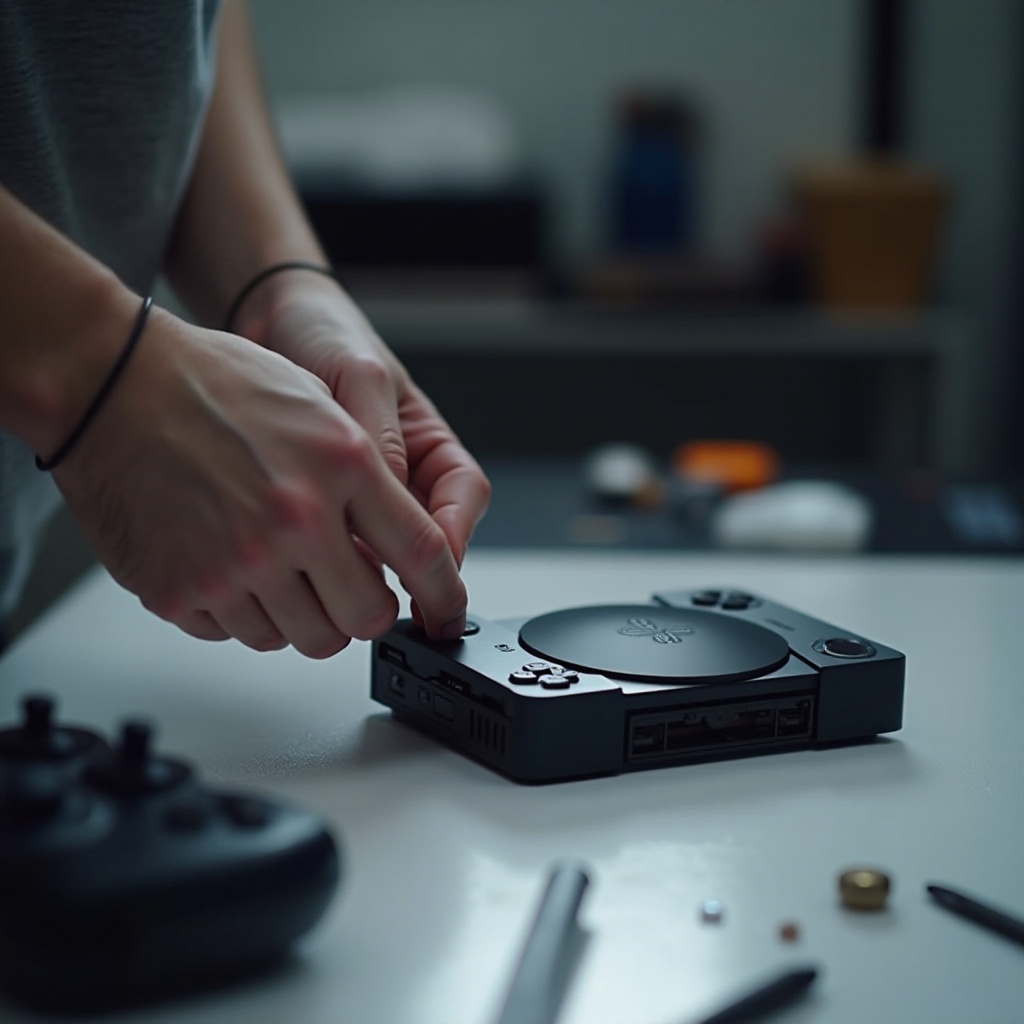
Conclusion
By regularly cleaning your PlayStation 5, you enhance its performance and lifespan. Scheduled maintenance keeps your console in excellent condition, allowing smooth, uninterrupted gaming sessions.
Frequently Asked Questions
How often should I clean my PlayStation 5?
Clean your PS5 every three to six months. If used frequently or in a dusty area, consider cleaning more often.
Can I use any cleaning solution on my PS5?
Avoid liquids. Use a dry microfiber cloth and compressed air. If needed, choose electronics-safe cleaning products.
What should I do if my PS5 is still noisy after cleaning?
If noise persists, the fan might need repair. Consider professional inspection to diagnose potential issues.