
Introduction
Dropping your phone can be more problematic than it initially seems; it can result in significant screen damage, such as black spots. These blemishes are not merely aesthetic defects—they often signify underlying damage that needs swift attention. Ignoring black spots can lead to worsening conditions, affecting both your screen’s visibility and your device’s functionality. This article addresses the causes of these black spots, immediate actions you should take, and guides you through determining when to tackle the problem yourself or seek expert repair. We also discuss preventive strategies to help maintain your device in the future, ensuring your phone’s longevity.
What Causes Black Spots on a Phone Screen?
Knowing what causes black spots allows for informed decisions about handling them. Generally, these spots emerge from the following:
-
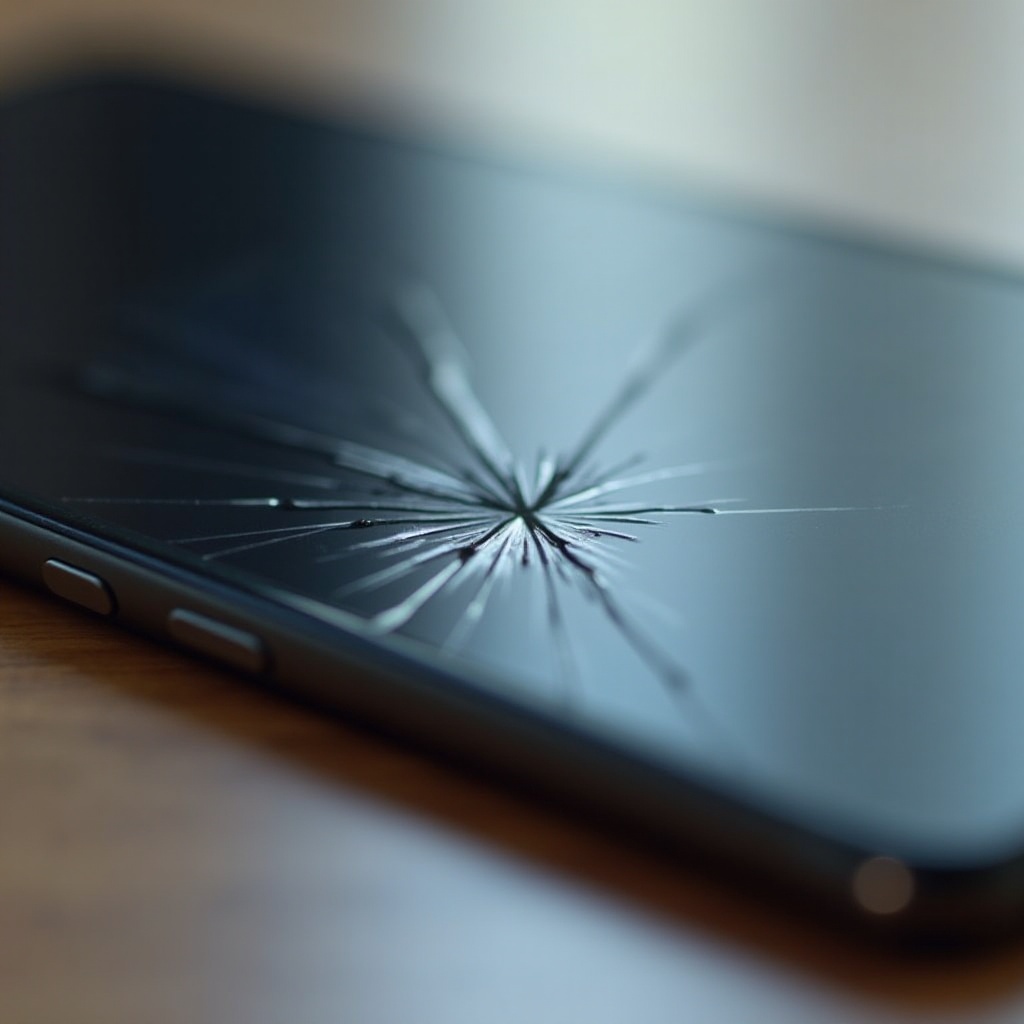
Impact Damage and Internal Screen Fractures: A fall can inflict internal damage, disrupting liquid crystals in the screen that appear as black spots.
-
Pressure Damage and Liquefied Crystals: Excessive pressure from a fall or weight on the screen can cause liquid crystals to compress, forming black spots over time.
-
Moisture Exposure and Other Common Causes: Exposure to moisture or temperature shifts might cause malfunctions, resulting in black spots.
Understanding these causes helps identify the damage’s extent and guide whether a simple fix is viable or if professional intervention is necessary. Building on this knowledge, it’s crucial to know what immediate steps to take if your phone sustains a drop.
Immediate Steps to Take After Dropping Your Phone
Fast, decisive action after a drop can significantly reduce further damage. Here’s what to do:
-
Assess the Damage: Examine your phone for visible cracks, blemishes, or marks around black spots.
-
Initial Protective Measures: Power off your phone immediately to prevent additional electronic damage.
-
Seek Professional Help Immediately: Contact professional repair services if you notice severe cracks or liquid beneath the glass.
Taking these steps sets the groundwork for evaluating whether a DIY fix or professional assistance is necessary, depending on observed damage severity.
DIY Solutions for Black Spots on Your Phone Screen
If you’re comfortable with repair, some DIY methods may help fix minor black spots. Proceed with caution, as these solutions best address surface-level damage:
-
Tools and Materials Needed: Gather a microfiber cloth, isopropyl alcohol, and a suction cup for minor repair attempts.
-
Step-by-Step Inspection: Clean the screen with a microfiber cloth dipped in isopropyl alcohol. Use a suction cup to gently pull the screen slightly from the frame to check internal damage.
-
Simple Fixes for Minor Damage:
- Pressure Application: Gently press around the black spot’s edges using your thumb, careful to not exacerbate the damage.
- Perform a Soft Reset: Occasionally, resetting the phone can help realign display pixels.
These fixes can resolve small blemishes, but more severe damage may require professional care. Recognizing when to stop DIY attempts is crucial to avoid further complications.
When to Seek Professional Help
Professional intervention is often the best path for significant damage, but how do you determine when it’s time?
-
Evaluating the Severity of Damage: Large black spots, extensive cracks, and unresponsive screens indicate complex internal issues needing expert attention.
-
Finding a Reputable Repair Service: Choose technicians with positive reviews and proven expertise in screen repairs.
-
Cost Considerations and Expectations: Obtain quotes; repair costs vary widely based on the damage and phone model.
Professional repair ensures a reliable, lasting fix for complex screen issues, restoring your phone’s functionality effectively.
Preventing Screen Damage in the Future
To prevent future black spots, implement these strategies:
-
Invest in Protective Gear: Use durable cases and screen protectors that absorb shock from drops.
-
Tips for Safe Handling: Operate your phone with both hands and avoid precarious storage locations like back pockets.
-
Regular Maintenance Practices: Keep your phone clean and shielded from extreme temperatures to prevent moisture damage.
These practices will protect your smartphone, ensuring a long, damage-free life.
Understanding Warranty and Insurance Options
Having a safety net such as a warranty or insurance can offer substantial peace of mind:
-
How Warranties Cover Screen Damage: Some manufacturer warranties cover accidental damage, including screens.
-
Role of Phone Insurance: Consider phone insurance for broader coverage than standard warranties offer.
-
Maximize Your Coverage: Review policy details carefully to understand coverage specifics and claims procedures.
These options help mitigate financial risks associated with accidental damage, safeguarding your investment.
Frequently Asked Questions
Can a black spot on a phone screen get worse over time?
Yes, if left untreated, black spots can expand due to ongoing pressure or additional damage.
Is it safe to continue using a phone with a black spot on the screen?
Generally, yes, but severe damage may lead to further issues and warrants repair.
How much does it typically cost to repair a black spot on a phone screen?
Repair costs vary, ranging from $50 to several hundred dollars, depending on the phone model and repair complexity.