
Introduction
The Nintendo Wii console offers an engaging gaming experience that relies heavily on the precise synchronization between the console and the Wii remote. The sync button is a small, often overlooked component that plays a big role in ensuring this synchronization is seamless. This guide will walk you through the process of finding and using the sync button on your Wii console so that you can start gaming without a hitch.
What is the Sync Button?
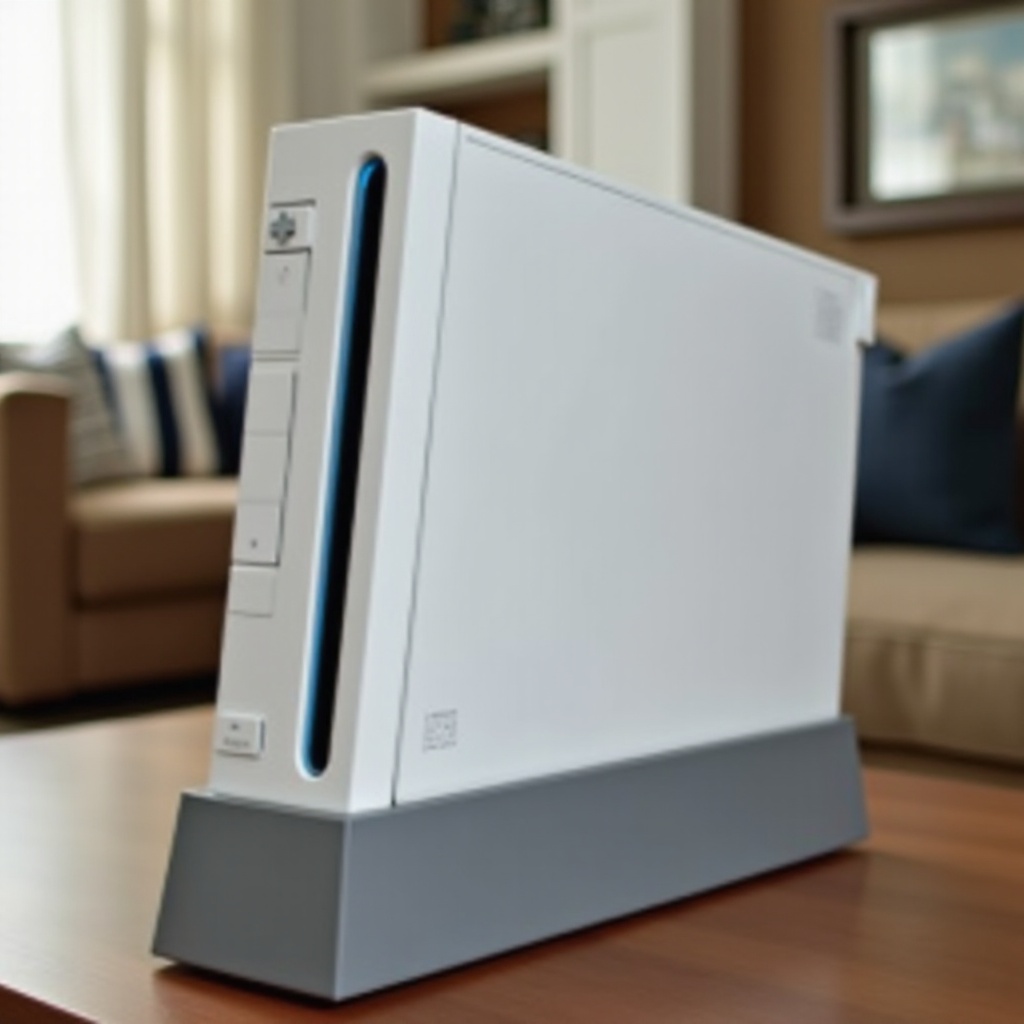
The sync button on the Wii console is a specialized button used solely for connecting Wii remotes to the console. Unlike other buttons that control gameplay, the sync button’s specific function is to ensure your remote communicates directly with your console. This direct communication is crucial because it allows the console to correctly receive the signals sent from your remote’s movements and button presses.
Understanding how the sync button works differentiates it from standard control settings and highlights its importance in setting up your Wii. With the basics clear, you can now focus on its exact location and how to utilize it for the best gaming experience.
Where is the Sync Button on the Wii Console?
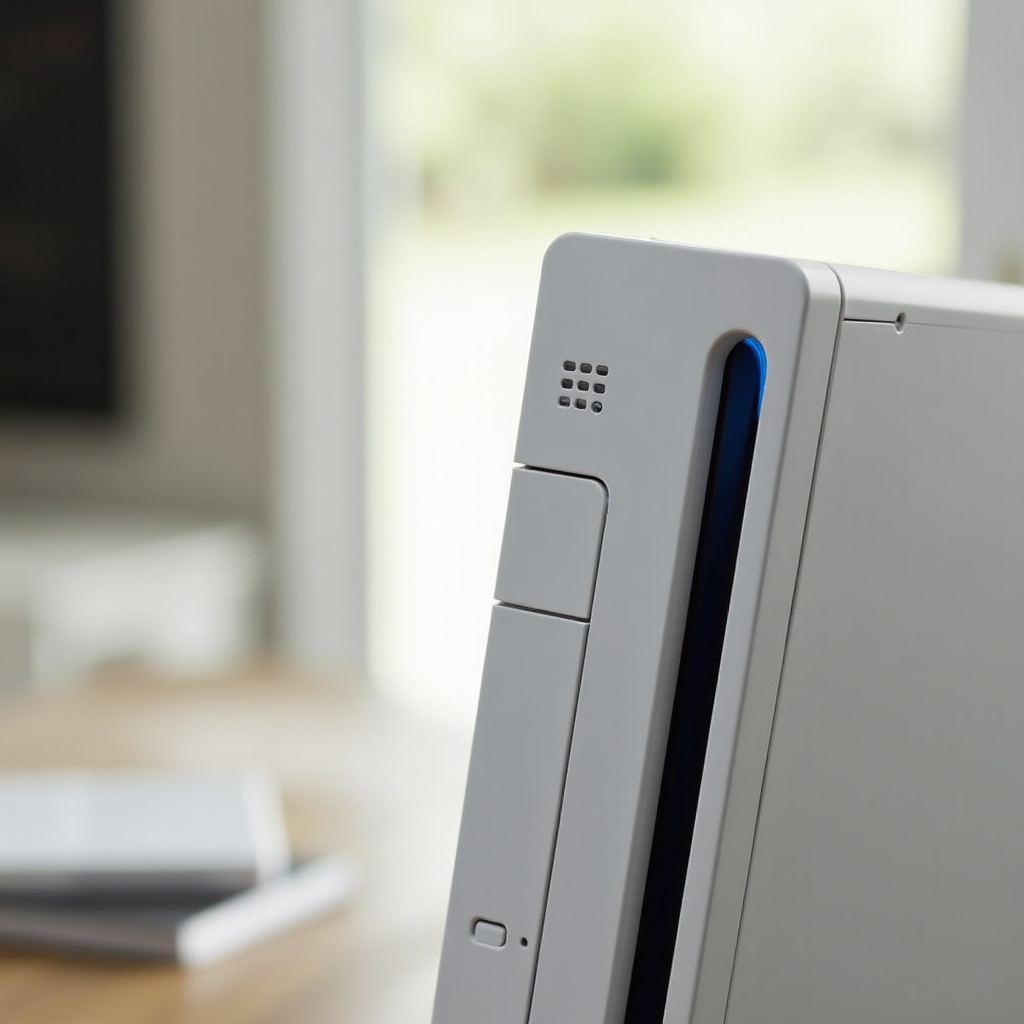
Finding the sync button on the Wii console is a straightforward task if you know where to look. Here’s what you need to do:
1. Look on the front of the console for the SD card slot, usually hidden behind a plastic cover. Open this cover by gently pulling it down.
2. Inside you’ll find a small red button, and that is the sync button you’re looking for.
3. Press this button when you’re ready to sync a remote to the console.
With the sync button’s location now identified, you can proceed to pair your Wii remote to enjoy your gaming adventures. Let’s move on to the syncing process.
How to Sync the Wii Remote
Syncing your Wii remote is crucial to starting your gameplay. It’s essential to perform this process correctly to avoid any connectivity issues. Here’s a simple guide on syncing your remote:
1. Turn on your Wii console and ensure it’s connected properly.
2. Open the back cover of your Wii remote to locate the red sync button.
3. Press and hold the sync button inside the console’s SD card slot for about 2 seconds.
4. Immediately press the sync button on the Wii remote.
5. Wait for the player lights on the remote to stop blinking and one light to remain lit, confirming the sync.
If the remote fails to sync initially, repeat the steps, ensuring a clear range for the devices to connect without interference. Successfully syncing brings us to potential troubleshooting scenarios.
Common Sync Issues and Solutions
Even with clear instructions, syncing might not always go as planned. Here are solutions to common issues:
– Remote doesn’t sync: Check that both your console and remote have adequate battery life.
– Remote disconnects: Using the remote too far from the console, or obstructions may cause disconnections. Minimize interference by avoiding electronic clutter.
– Console won’t recognize additional remotes: Sync one remote at a time to prevent overlapping signals which can hinder the process.
By addressing these common issues, you ensure continuous, problem-free gaming. Subsequently, expanding your Wii experience is the next exciting step.
Enhancing Your Wii Experience
With your remote synced and your console ready, there are several ways you can improve your gaming experience:
– Explore additional channels and games: Visit the Wii Shop Channel to download and access more games and applications.
– Personalize with Mii characters: Use the Mii Channel to create avatars that enhance your gaming interactions.
– Adjust remote settings: Fine-tuning sensitivity can tailor the experience to your liking, making gameplay more enjoyable.
These enhancements make your gaming experience richer and more engaging, highlighting the capabilities of your Wii console. Having tackled syncing and explored additional features, you can now enjoy seamless gaming.
Conclusion
The sync button on the Wii console might be small, but it plays a pivotal role in your gaming setup. Understanding how to find and use it ensures your Wii remote connects properly, setting the stage for uninterrupted enjoyment. Addressing common sync issues as they arise ensures that you’re always ready to jump back into the game. With the power of syncing at your fingertips, explore all the excitement your Wii console offers with confidence.
Frequently Asked Questions
How do I reset the sync on my Wii remote?
Simply remove the battery cover and press the red sync button. Then press the sync button on the console to initiate a reset.
Can I sync multiple Wii remotes at once?
Yes, you can. However, it’s best to sync each remote individually for optimal performance.
What should I do if my Wii remote won’t sync?
Make sure both devices are powered and have fresh batteries. Check for any interference from other wireless devices. If issues persist, reset both remote and console sync.