
Introduction
The frustration of a phone that won’t charge fully is something every user might face. Whether you are heading out for the day or rely on your phone for essential tasks, an uncharged phone can be highly inconvenient. However, understanding the key reasons behind this issue and knowing how to address them effectively can make a huge difference. This guide provides an overview of the potential causes of incomplete charging and offers actionable solutions to ensure your phone stays powered.
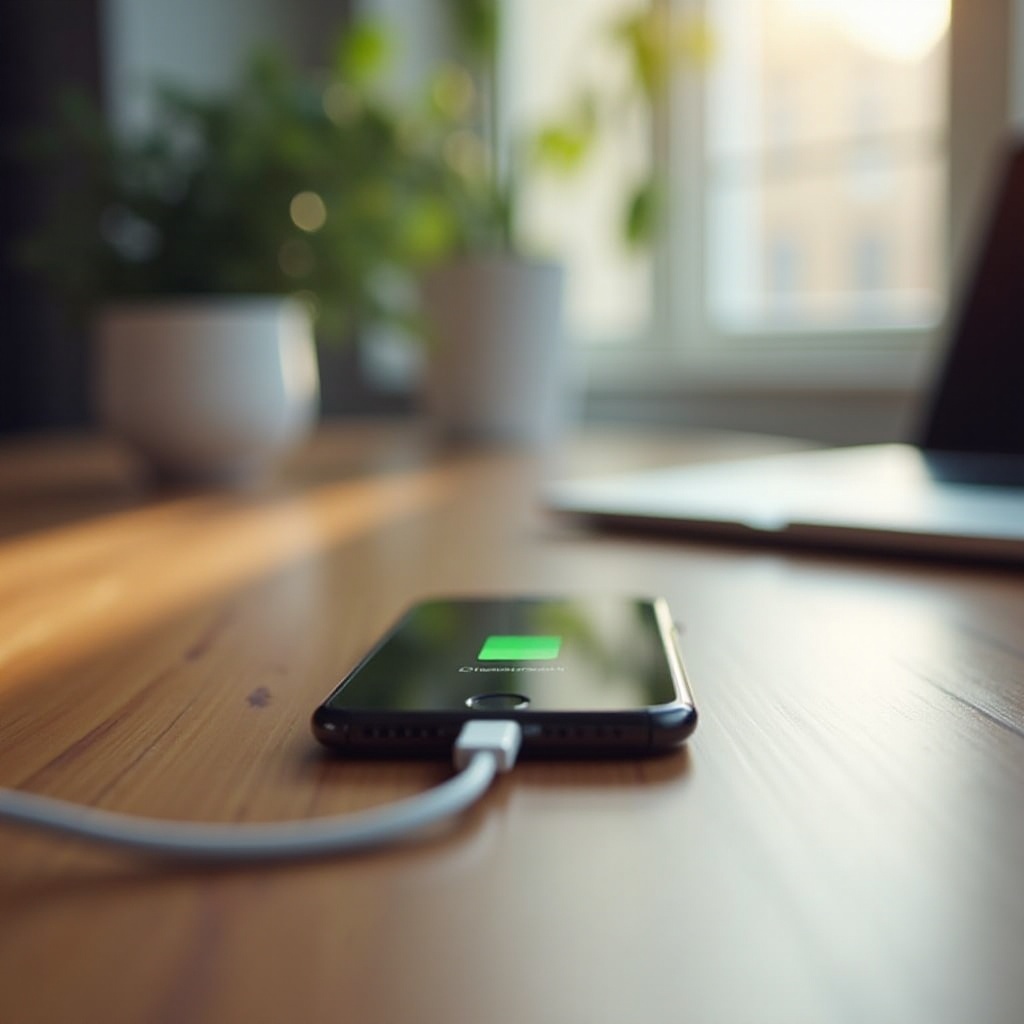
Common Causes of Incomplete Charging
There are several reasons why your phone may not be charging completely, and identifying these causes is key to solving the issue.
– Faulty Charging Cable or Adapter: A damaged or incompatible charging cable often disrupts the charging process. Over time, cables can deteriorate, resulting in poor connectivity with your phone.
– Obstructions in the Charging Port: Dust or debris can accumulate in the charging port, obstructing the connection. Even small particles can hinder the charger, leading to incomplete charging.
– Battery Health and Age: All batteries lose efficiency over time, and older batteries may not charge fully. Knowing the health status of your phone’s battery can indicate if a replacement is needed.
Addressing these common issues requires a systematic approach to troubleshooting, helping restore your phone’s charging efficiency.
Troubleshooting Steps to Fix Charging Issues
Once you’ve identified potential causes, follow these troubleshooting steps to resolve your phone’s charging issues:
1. Inspect and Replace Cables and Adapters: Check your charging cable and adapter for any signs of wear or damage. If you notice frayed ends or bent connectors, replace them with high-quality, compatible accessories to ensure a reliable connection.
2. Clean the Charging Port Safely: Use a small, soft brush or compressed air to gently clear any particles from the charging port. Be cautious not to damage any internal components. Regular cleaning prevents buildup and maintains an optimal connection.
3. Check and Optimize Battery Health: Many smartphones allow you to check battery health in the settings. If your battery shows significant wear, consider getting a replacement. Avoid extreme temperatures and overcharging to preserve battery life.
Effective troubleshooting can significantly improve your phone’s capacity to reach a full charge. If problems persist, consider deeper underlying issues.
Software and Power Source Concerns
Beyond physical components, software issues and power sources also influence charging efficiency.
– Addressing Software Glitches: Software updates often introduce improvements that can enhance your phone’s performance, including charging efficiency. Ensure your phone’s software is up to date. If issues arise after an update, try performing a soft reset or factory reset to resolve potential glitches.
– Testing Different Power Sources: Not all power sources are equal. If your phone isn’t charging properly, try connecting to a different outlet or using other charging methods, such as a wireless charger or power bank. This can help determine if the issue lies with the power source.
Addressing software-related problems and evaluating power sources can greatly enhance your device’s overall charging performance.
When to Seek Professional Repair Services
If your troubleshooting efforts don’t fix the charging issues, it may be time to consult a professional. Here are some scenarios where expert intervention might be necessary:
– Persistent Charging Issues: If your phone continues to malfunction despite various troubleshooting attempts, a professional can perform a thorough diagnostic to identify complex issues.
– Understanding Warranty and Repair Options: Check your phone’s warranty terms. Many manufacturers offer repairs or replacements for hardware defects, protecting your investment.
Professional services offer the expertise and tools needed to handle issues beyond a user’s control, ensuring your phone’s functionality and reliability.
Preventive Measures to Avoid Future Charging Problems
Prevention is better than cure, and simple practices can help maintain your phone’s charging efficiency:
– Best Practices for Charging:
– Avoid frequent charging cycles; charge only when necessary.
– Unplug your device once it reaches a full charge to prevent overcharging and heat buildup.
– Regular Maintenance and Checks: Routine inspections of accessories and cleaning of ports can prevent problems before they arise, extending the life of your device.
Adopting these preventive measures can prolong your phone’s lifespan and maintain its battery’s efficiency.
Conclusion
By understanding why your phone may not be charging properly and taking appropriate steps to address these issues, you can greatly enhance its performance and longevity. Be proactive in identifying common causes, apply effective troubleshooting methods, and seek professional help when needed. These actions can ensure your device remains reliable. Furthermore, implementing preventive measures will help your phone continue to function without setbacks, providing the power you need at all times.
Frequently Asked Questions
Why does my phone only charge to a certain percentage?
Your phone may charge only to a certain percentage due to issues with the charging cable or adapter, software glitches, or battery health concerns.
Can a battery replacement fix charging issues?
Yes, if your battery health has significantly degraded, a replacement can resolve charging problems and enhance overall performance.
How do I know if my charging port is damaged?
Signs of a damaged charging port include loose connections, requiring the charger to be held at certain angles, and visible damage or debris obstructing the port.