
Introduction
Dive into the world of Sony TVs to understand how they integrate modern streaming technologies like AirPlay. This guide focuses on whether Sony TVs support AirPlay and how users can utilize this feature for a seamless entertainment experience. We’ll cover compatibility, setup, and practical uses to enhance how you interact with your television.
Understanding AirPlay and Its Benefits
AirPlay is Apple’s wireless streaming technology that allows content to flow from your Apple devices to compatible TVs effortlessly. Whether you want to share video, audio, or even mirror your device’s screen, AirPlay simplifies the process, enhancing your viewing and listening experience.
With AirPlay, you enjoy the convenience of accessing media without the hassle of cables. Stream your favorite playlists or videos, and leverage the quality speakers of your TV for a heightened audio experience. In both personal and professional settings, AirPlay enables easy sharing and collaboration, turning your Sony TV into a versatile media hub.
Sony TV Features and AirPlay Compatibility
Sony’s reputation for excellence in television technology continues with their smart TV lineup, which now includes AirPlay 2 on many 2024 models. The BRAVIA range, known for its high-definition displays and advanced features, supports AirPlay, making it easy for Apple users to stream content.
Models without built-in AirPlay may receive compatibility through software updates. Checking for the latest updates is crucial to accessing new features. This integration emphasizes Sony’s commitment to incorporating technologies that meet diverse consumer needs and enrich viewing experiences.
How to Set Up AirPlay on Your Sony TV
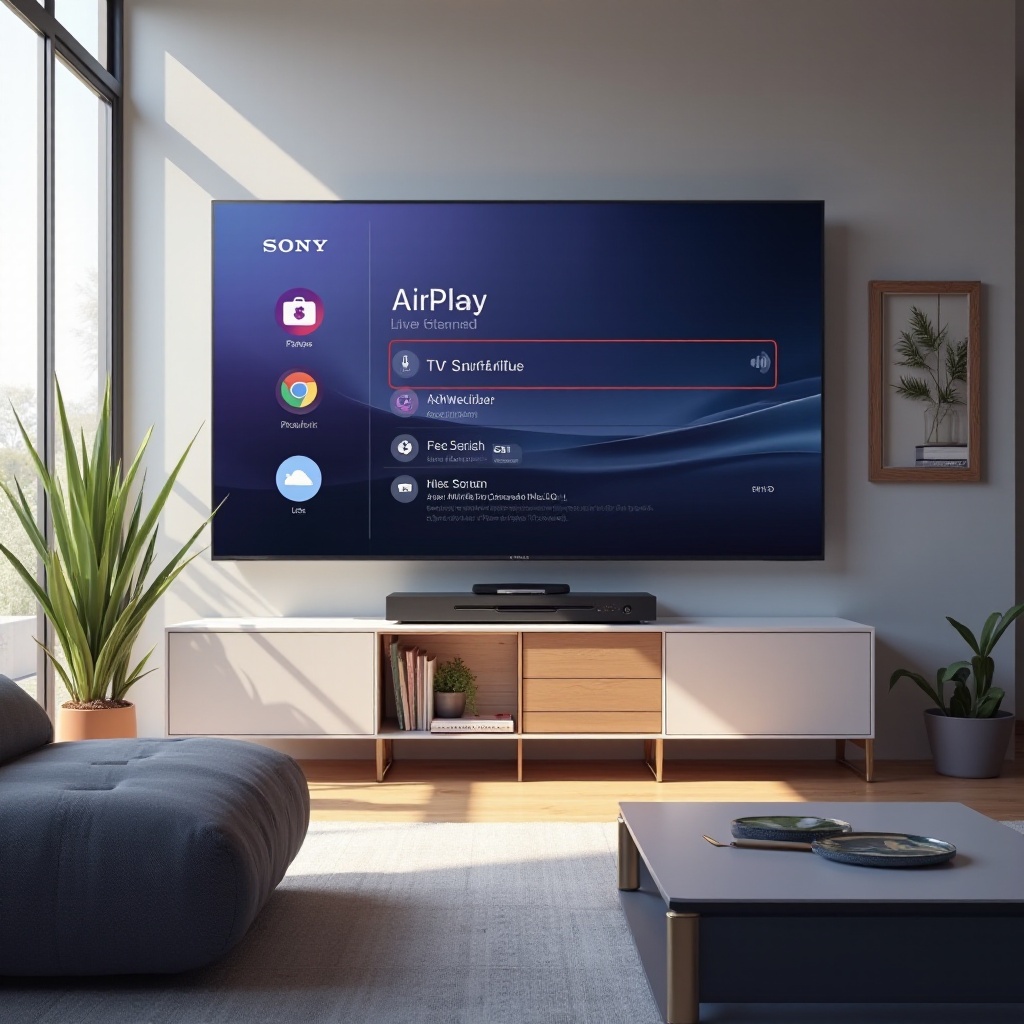
Setting up AirPlay on a Sony TV is an intuitive process. Follow these steps to ensure a seamless configuration:
- Confirm your Sony TV model supports AirPlay by checking specifications and updates.
- Connect both your Apple device and Sony TV to the same Wi-Fi network.
- Activate AirPlay in your TV’s network settings.
- Open the content you wish to stream on your Apple device.
- Tap the AirPlay icon and select your Sony TV from the list.
If you experience challenges during setup, troubleshoot by restarting devices or checking connection stability. Once configured, enjoy unrestricted access to media across your devices.
Comparing AirPlay with Other Casting Options
AirPlay is one of several options available on Sony TVs, catering specifically to Apple users. Alternatives like Chromecast and Miracast offer cross-platform compatibility, with Chromecast being a favorite for Android integrations and web browser casting.
While Chromecast provides excellent support for various operating systems, AirPlay’s integration with Apple’s ecosystem offers a more seamless experience for iOS users. Miracast, supporting direct pairing between devices and displays, lacks some of AirPlay’s sophisticated features but remains a robust choice for universal compatibility. Your choice depends on the ecosystem you’re most active in.
Practical Use Cases for AirPlay on Sony TVs
AirPlay isn’t just about streaming media; it broadens the utility of your Sony TV. Here are some ways to maximize its potential:
- Share photos or videos smoothly during social gatherings, immersing everyone in the moment.
- Use your TV’s impressive sound system to elevate your music experience.
- Display presentations or spreadsheets from your device during meetings, facilitating discussion and collaboration.
Exploring these practical applications highlights AirPlay’s contribution to making your Sony TV a multifunctional tool, ideal for both entertainment and productivity.
Sony vs. Other Brands: AirPlay Capabilities
While Sony, Samsung, and LG all support AirPlay 2, Sony’s TVs are often praised for superior display technologies and integration with other Sony devices. The synergy between Sony’s well-crafted screens and AirPlay ensures high-quality outputs that Apple’s user base expects.
In choosing between brands, consider additional features like Sony’s Acoustic Surface Audio or its TRILUMINOS Display technology, which enriches your experience beyond simple streaming capabilities. These features may sway Apple enthusiasts to prefer Sony for their interactive experiences.
Conclusion
AirPlay adds significant value to Sony TVs, meeting the expectations of Apple users seeking integration and functionality. Whether you’re setting up for the first time or exploring new TV models, understanding AirPlay’s capabilities can transform your media consumption habits.
Frequently Asked Questions
Which Sony TV models support AirPlay as of 2024?
Most 2024 Sony BRAVIA models support AirPlay natively. Check Sony’s official website for specific model details.
Can I use AirPlay on older Sony TV models?
Older models may support AirPlay with recent software updates. Verify your TV’s specifications for compatibility.
What should I do if AirPlay isn’t working on my Sony TV?
Ensure both your TV and Apple device are on the same Wi-Fi network. If issues persist, restart devices and check connection strength.