
Introduction
Tired of being restricted by Wi-Fi limitations when gaming on your Nintendo Switch? You’re not alone. Many players wonder if they can use their smartphone’s hotspot to enjoy gaming anywhere. This guide will walk you through everything you need to know—from checking compatibility to optimizing your gaming experience.
Understanding Mobile Hotspots and Their Use
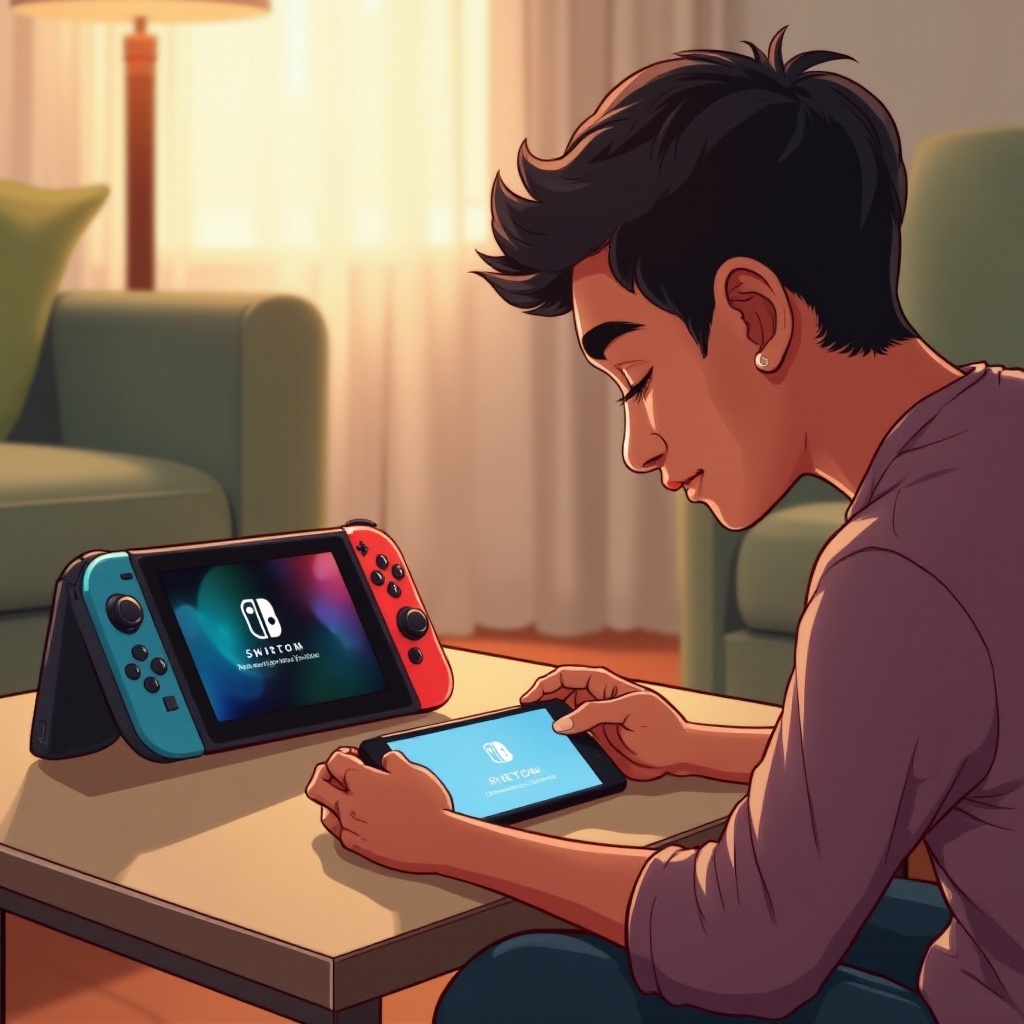
A mobile hotspot turns your smartphone’s data connection into a Wi-Fi signal that devices like the Nintendo Switch can connect to. It’s an ideal solution for gamers who are constantly on the go, enabling internet access without the need for a fixed Wi-Fi location. Understanding the fundamentals of how mobile hotspots operate will prepare you for a seamless setup and effective use.
Is Your Nintendo Switch Compatible with Mobile Hotspots?
Most Nintendo Switch models can connect to mobile hotspots, but it’s essential to confirm this before proceeding. Check that your mobile data plan supports tethering, a feature that allows devices to connect through your smartphone’s internet connection. Ensuring compatibility is a vital step before diving into mobile hotspot gaming.
Step-by-Step Guide to Connect Your Nintendo Switch to a Mobile Hotspot
Once you’ve confirmed compatibility, follow these steps to connect:
-
Activate the Hotspot: Use your phone’s settings to turn on the mobile hotspot feature. Ensure you have a good signal and ample data.
-
Access Settings: Navigate to ‘System Settings’ on your Nintendo Switch’s home menu.
-
Connect to Network: Choose ‘Internet’, then ‘Internet Settings’. The Switch will search for available Wi-Fi networks.
-
Select Your Hotspot: Pick your mobile hotspot from the list. If prompted, input the password.
-
Test Connection: Confirm the connection is stable and functional.
By adhering to these steps, you’ll unlock the freedom to enjoy gaming without conventional Wi-Fi constraints, enhancing your gaming experience substantially.
Advantages of Using a Mobile Hotspot for Gaming
The flexibility of a mobile hotspot brings several advantages:
- Mobility: Play wherever you have cellular data coverage.
- Convenience: Quickly connect to the internet for multiplayer games or updates.
- Independence: No need to rely on traditional Wi-Fi setups.
These benefits make mobile hotspots an attractive option for spontaneous or travel-oriented gamers.
Challenges of Hotspot Gaming and How to Overcome Them
While mobile hotspots offer freedom, they also present some challenges:
- Data Consumption: Online gaming can quickly consume data. Monitor your usage to prevent overages.
- Signal Fluctuations: A stable connection is crucial; therefore, remain in areas with strong network coverage.
- Battery Drain: Both your phone and Switch may deplete their batteries faster. Keep a portable charger handy.
By acknowledging these challenges and preparing accordingly, you can mitigate many issues, ensuring a more enjoyable, interruption-free gaming session.
Tips for Optimizing Your Nintendo Switch Gaming Experience on a Hotspot
To optimize your gaming using a mobile hotspot:
- Data Management: Monitor and manage your data consumption carefully.
- Adjust Settings: Lower in-game graphical and update settings to conserve data and enhance performance.
- Maintain Signal Quality: Position your phone in a spot with the best reception within your current environment.
Applying these tips will enhance your overall gaming experience, making connectivity challenges a thing of the past.
Common Troubleshooting Tips for Connection Issues
Connection hiccups can happen, but they are solvable:
- Verify Network Coverage: Ensure that your mobile service provider has adequate coverage in the current location.
- Restart Devices: Sometimes a simple restart of your Switch or mobile device can solve many connectivity issues.
- Update Software: Keep your devices updated with the latest software and firmware updates.
These practical solutions can help address common problems, effectively enhancing your hotspot gaming experience.
Conclusion
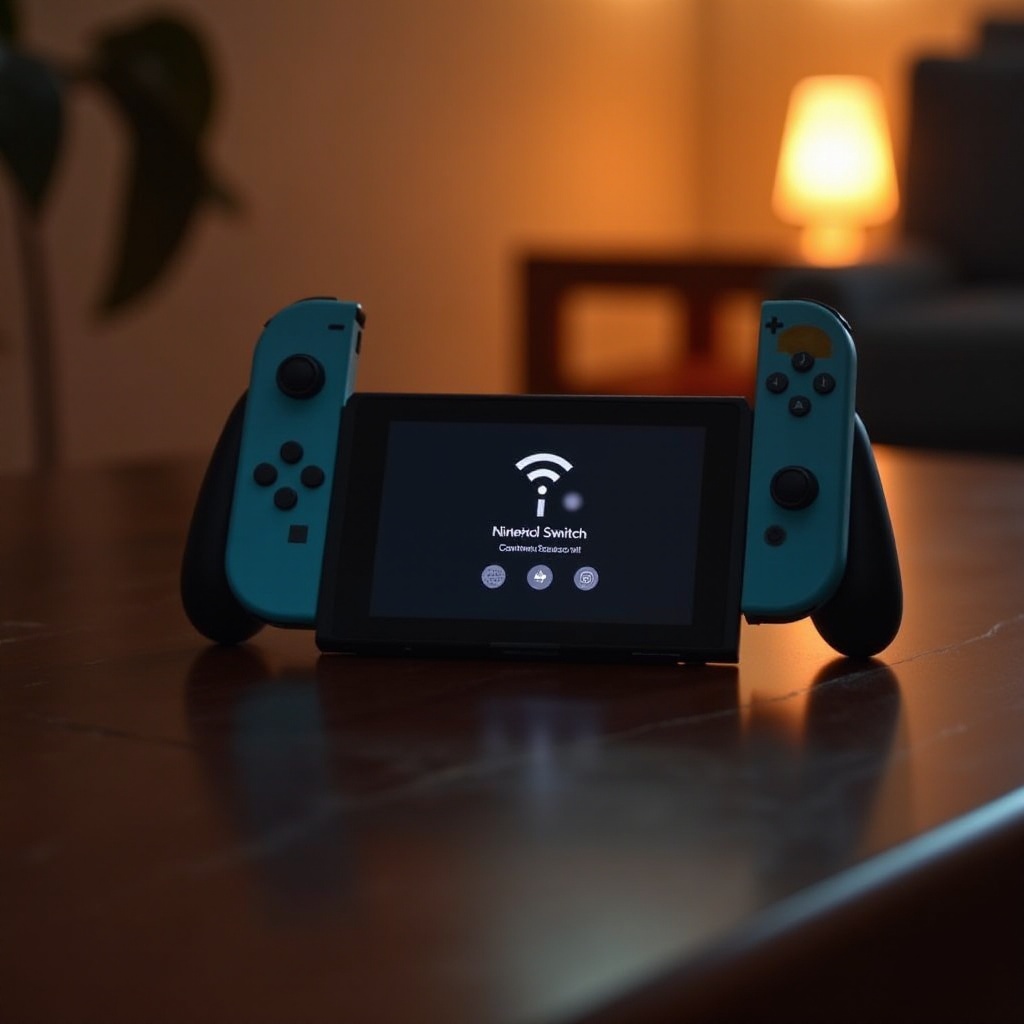
Using your smartphone’s hotspot to connect your Nintendo Switch to the internet offers unmatched flexibility and convenience, perfect for gaming on your terms. By ensuring compatibility, addressing potential issues, and optimizing your setup, you’ll enhance your mobile gaming experiences, making them seamless and enjoyable.
Frequently Asked Questions
Can using a mobile hotspot damage my Nintendo Switch?
Using a mobile hotspot does not damage your Nintendo Switch. It is simply an alternative way to connect to the internet.
How much data will gaming on a mobile hotspot consume?
The data consumption varies depending on the game but typically ranges from 40MB to 300MB per hour.
What are the best mobile hotspot plans for gaming?
Look for plans that offer unlimited data or high data caps, and prioritize those with strong, stable connections.